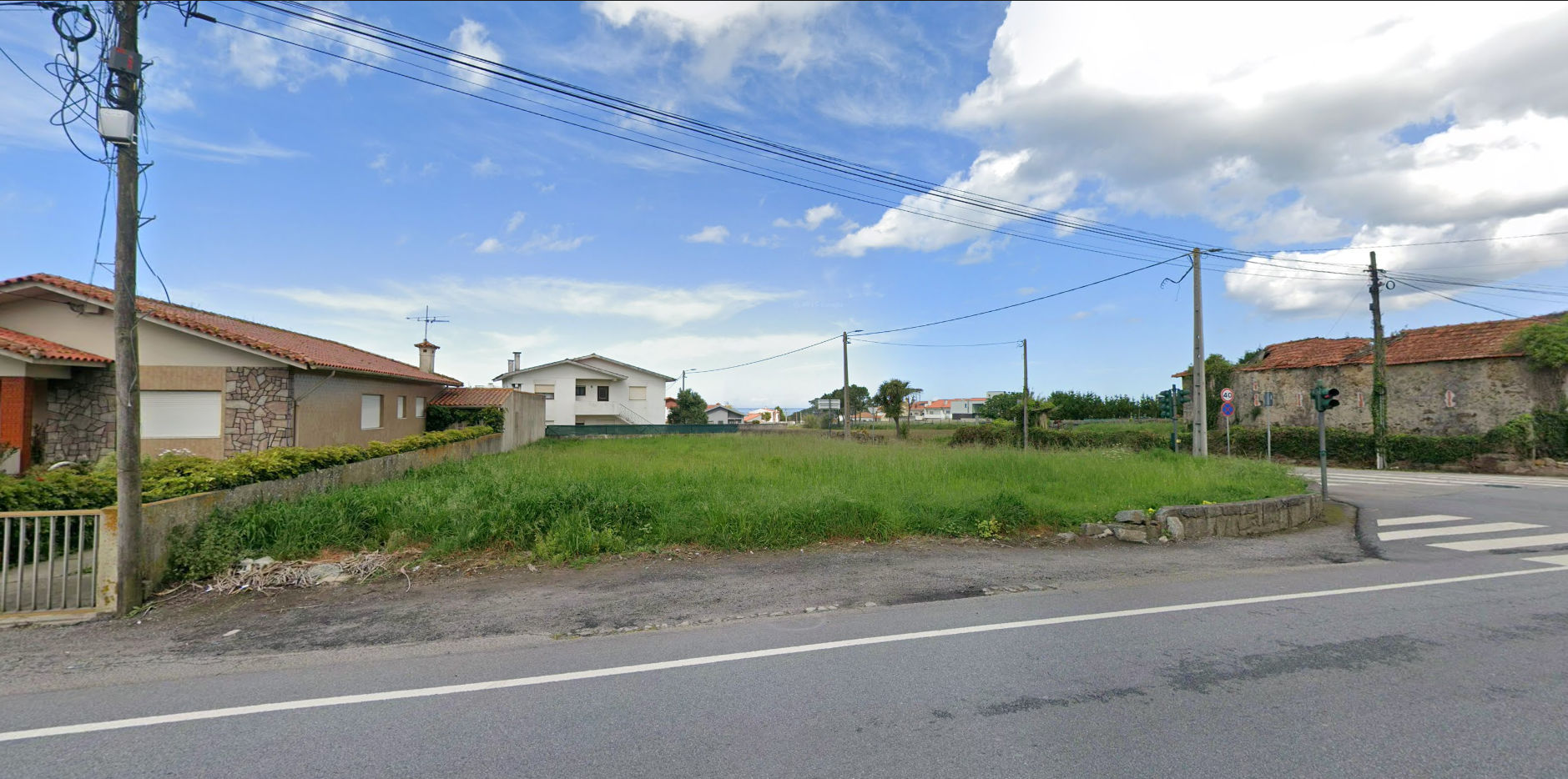
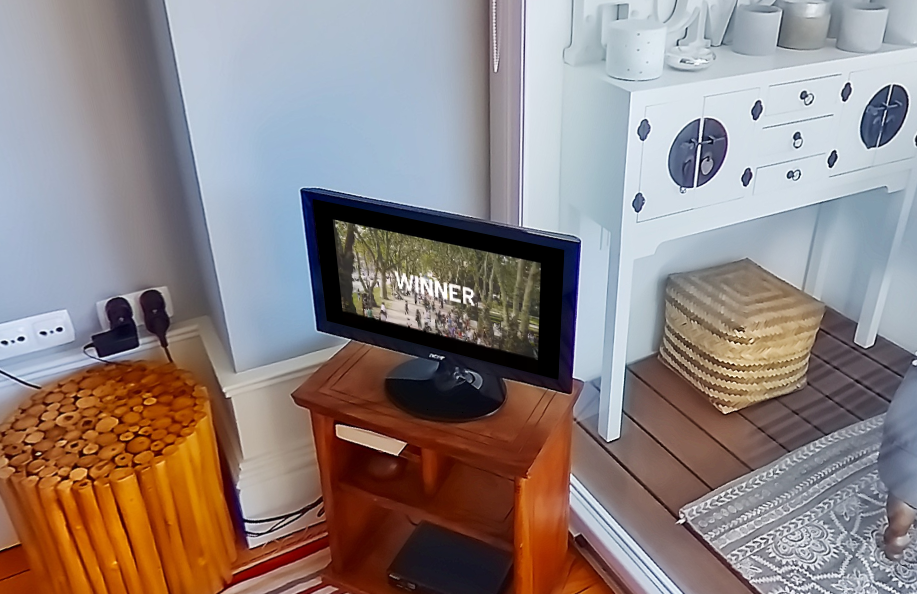
O POI for Embedded Video allows you to place a video (from youtube or via upload) in a portion of the panorama as if it were part of the original image.

How to Embed a Video
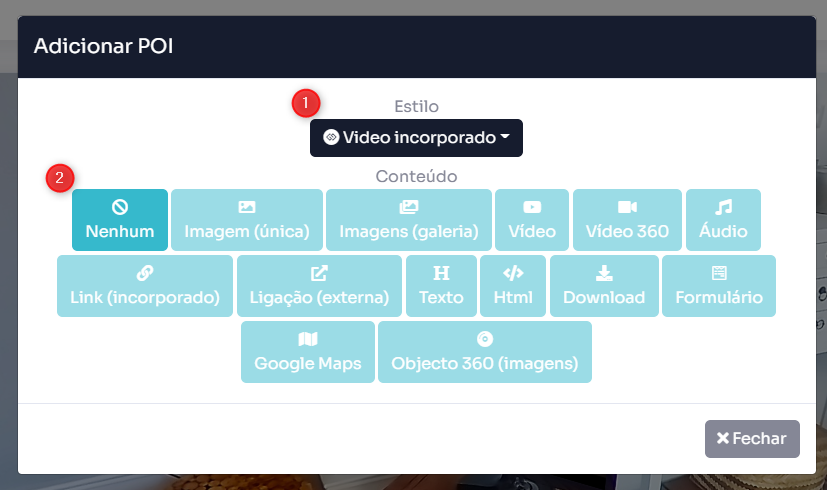
1. When adding a POI in the desired location, change the POI style to “embedded video”
2. Then, in content, you will only have the possibility to click on “none”.
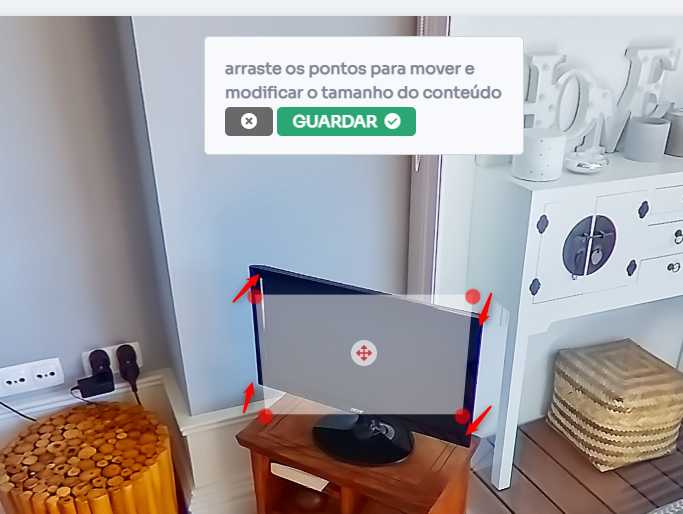
3. Drag the corners of the transparent image that was generated to create the shape that the video will fill and click on GUARANTEE. It is possible to adjust the shape later.
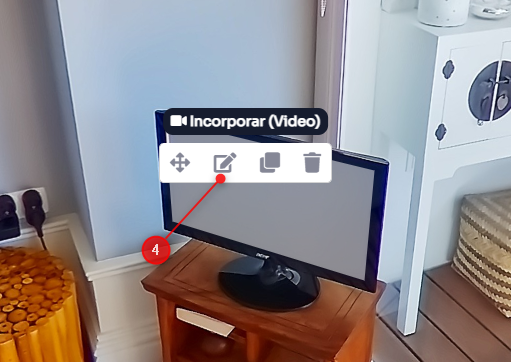
4. Click again on the white window and then on Edit in the POI menu.
5. You can embed a YouTube video by placing a link in the top box or upload a video using the bottom box. Please note the file size as it will influence the upload speed of the Tour.
It also has autoplay and sound off options.
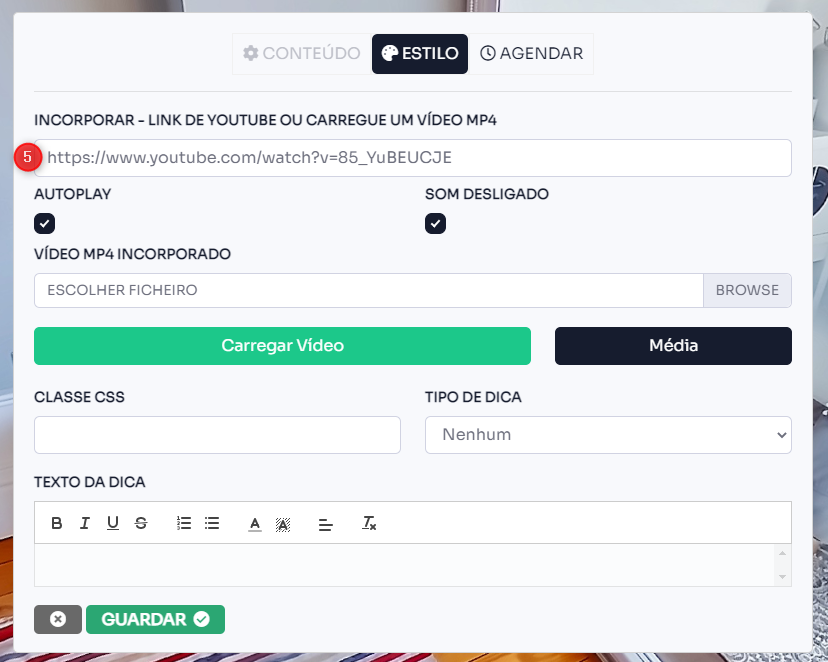
Click on GUARANTEE to finish the process.
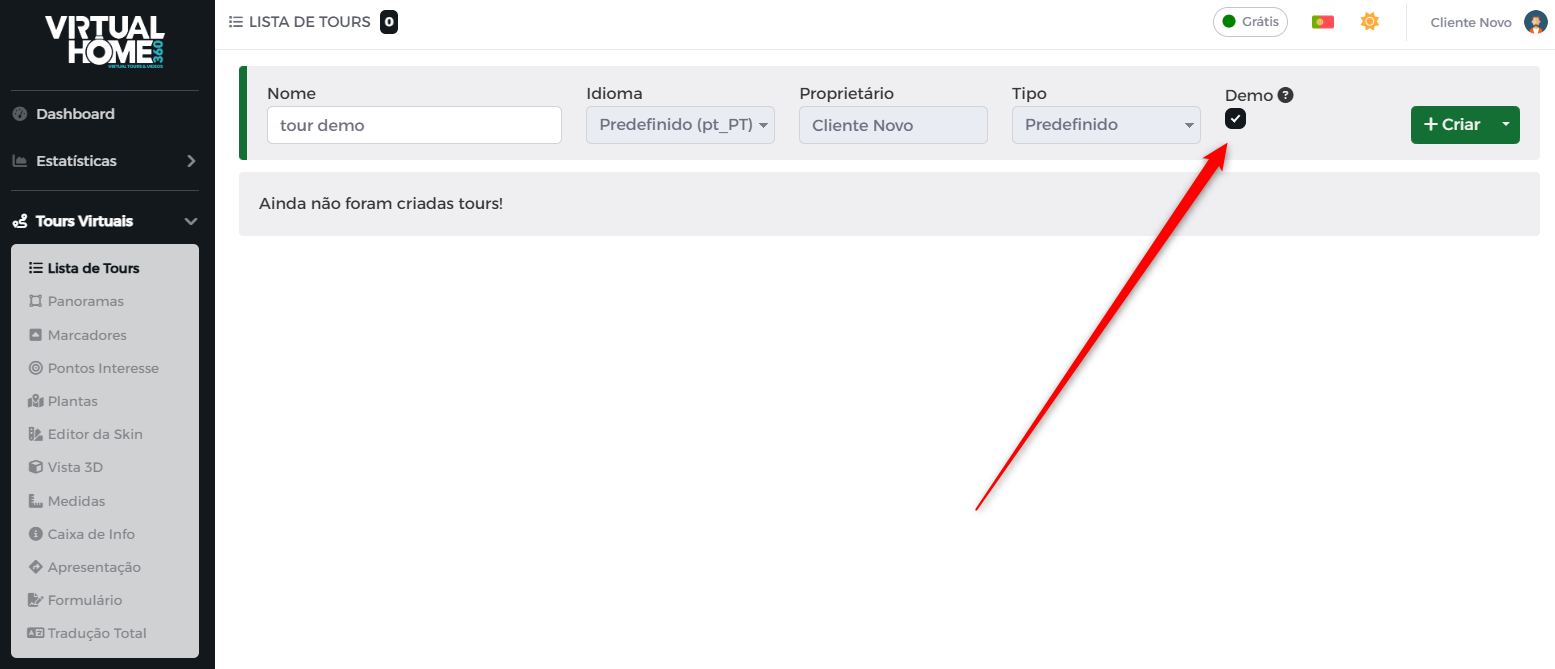
You can see this POI in action here or create a New Tour and use the option Demo to see how this (and other) features of the Virtual Home 360.