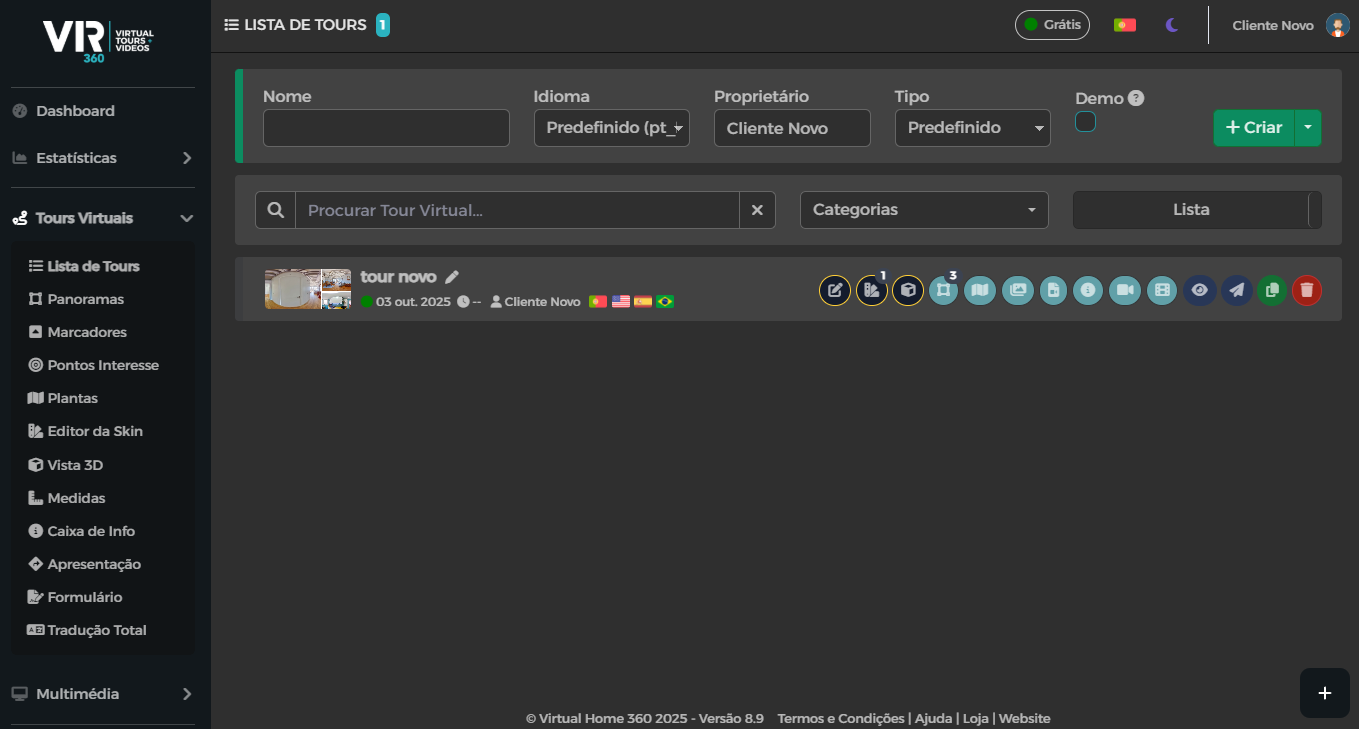
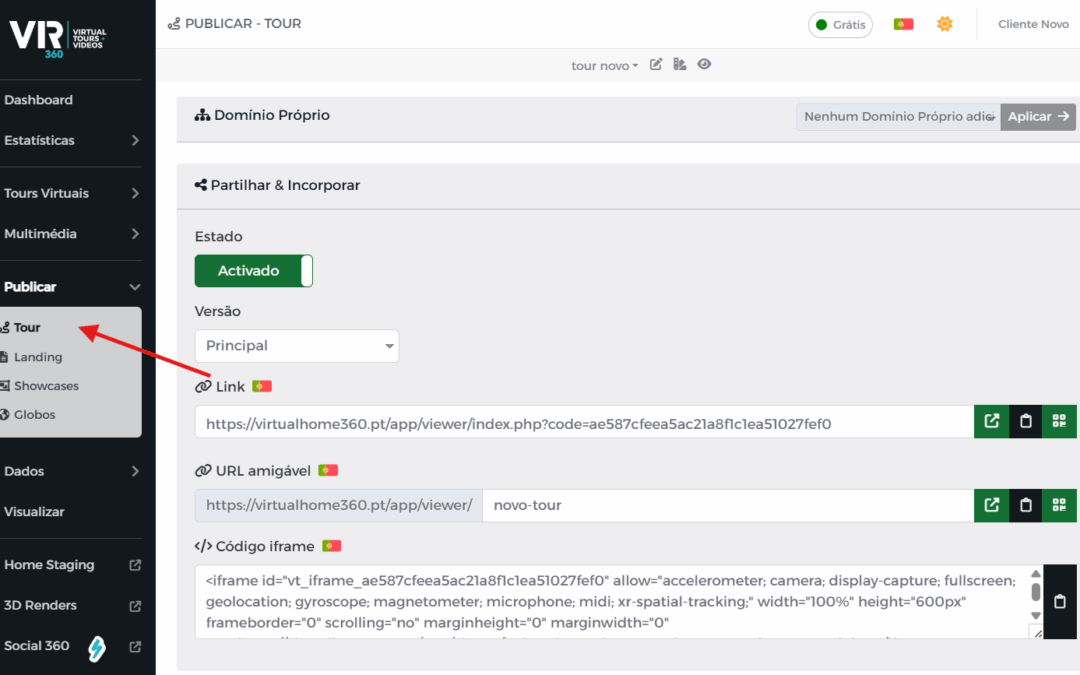
We can access the desired tour sharing links in two simple ways.
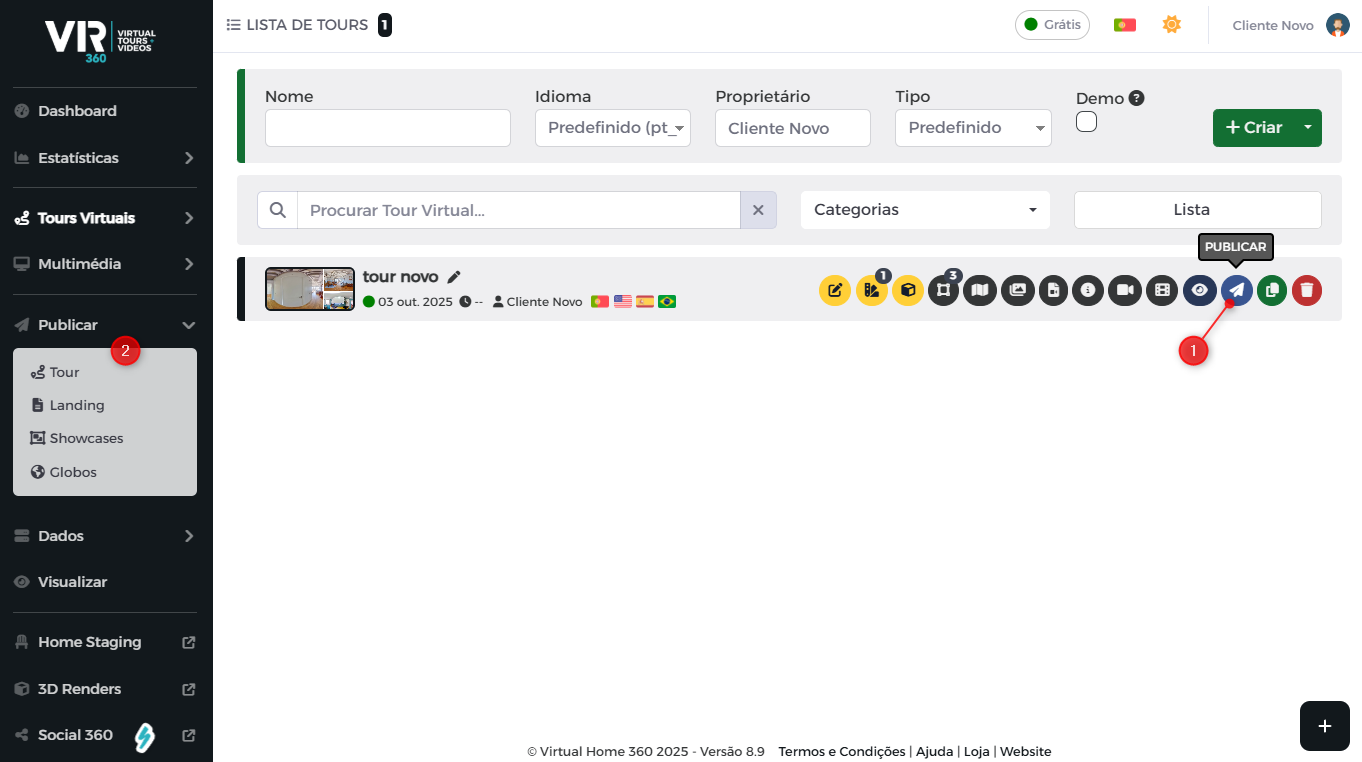
We can:
- When we are on the Tours List, click on the icon marked to go directly to the links page of that Tour.
- Open the Publish menu and then click Tour. This way opens the links page of the last tour that was being worked on.
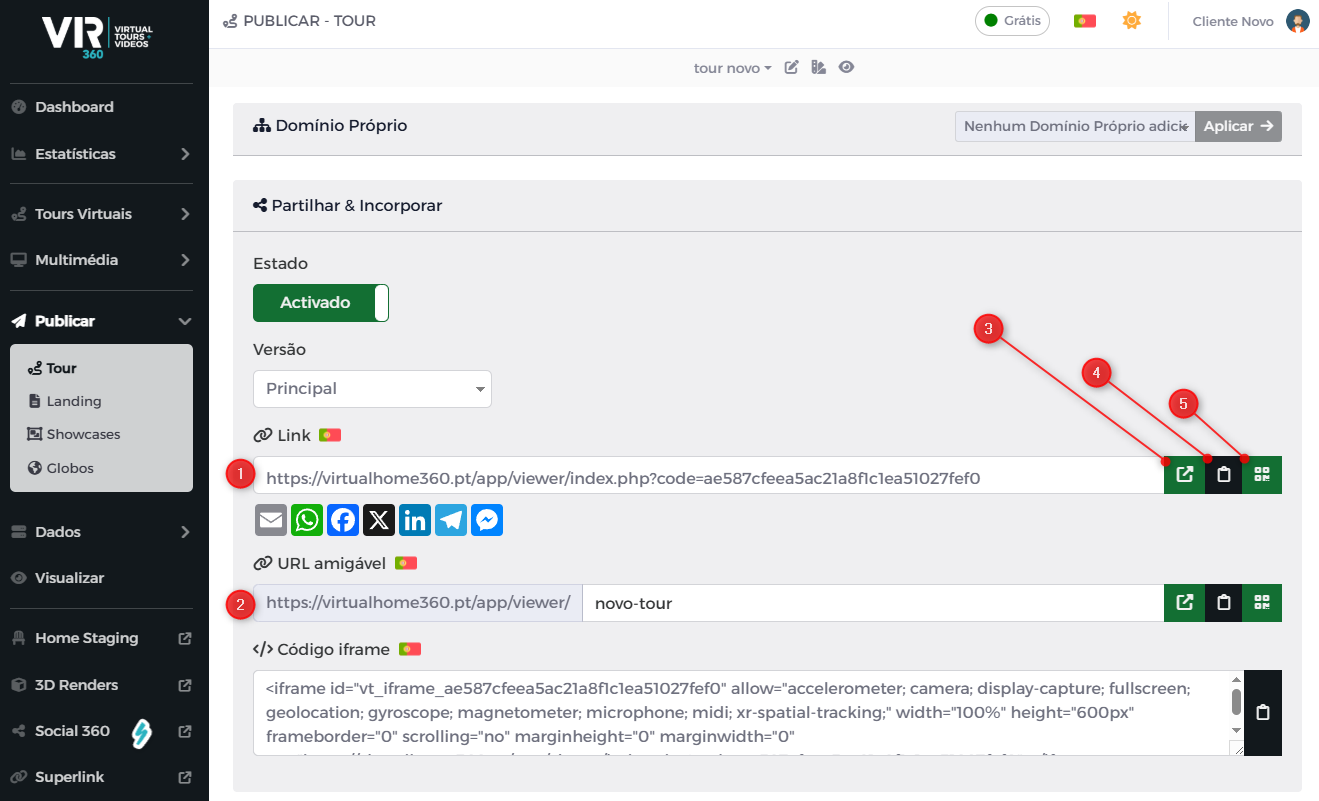
Here you will find:
- The static link generated by the platform for the selected tour.*
- The option to create a friendly link. In this case, we decided to write "new tour" in the box.*
- Button to open, in a new window, the tour with the chosen link.
- Button to copy the link to the clipboard.
- Button to generate one QR code to the chosen link
* - Any modification you make to the tour does NOT influence these links.