Create cinematographic video content from simple photos
In today's real estate marketing, video is very important.
Video ads receive more views, more engagement and generate more leads Advertisements with photographs only.
But creating quality videos usually requires expensive equipment, editing skills, and – above all – time.
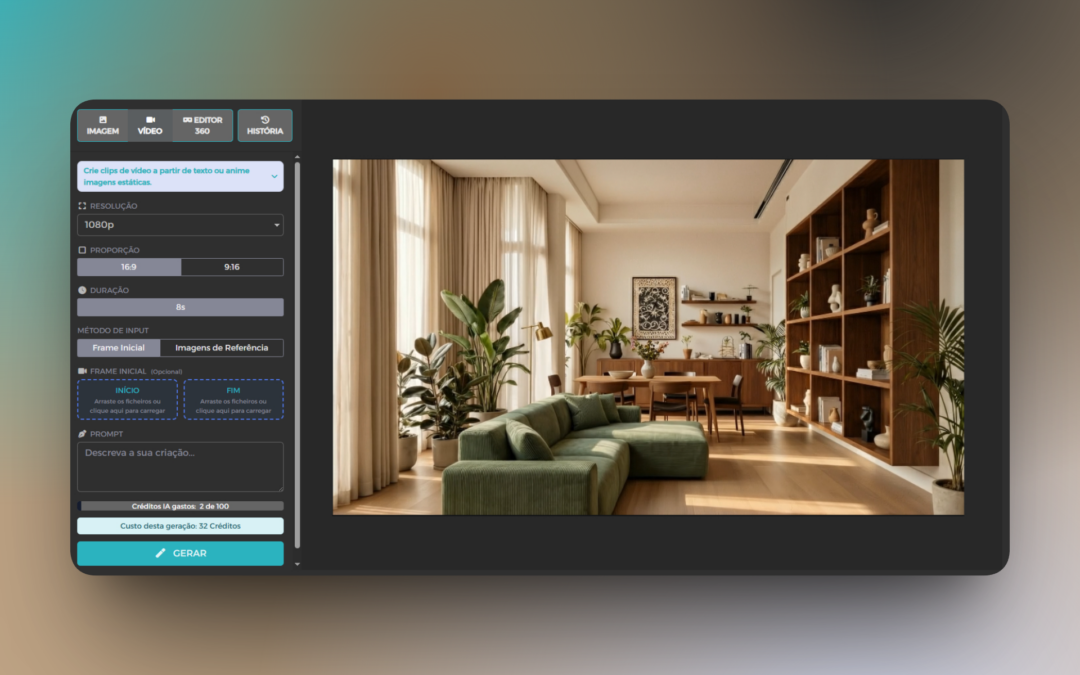
With the AI Tools Virtual Home 360, you can create professional video content from text and static images.
Describe the movement or transformation you want, provide initial and final images or reference images, and AI generates a fluid, professional 8-second video.
All this without video cameras, without complex editing software, and practically instantaneous.
Videos of Deployment: From Empty Land to House
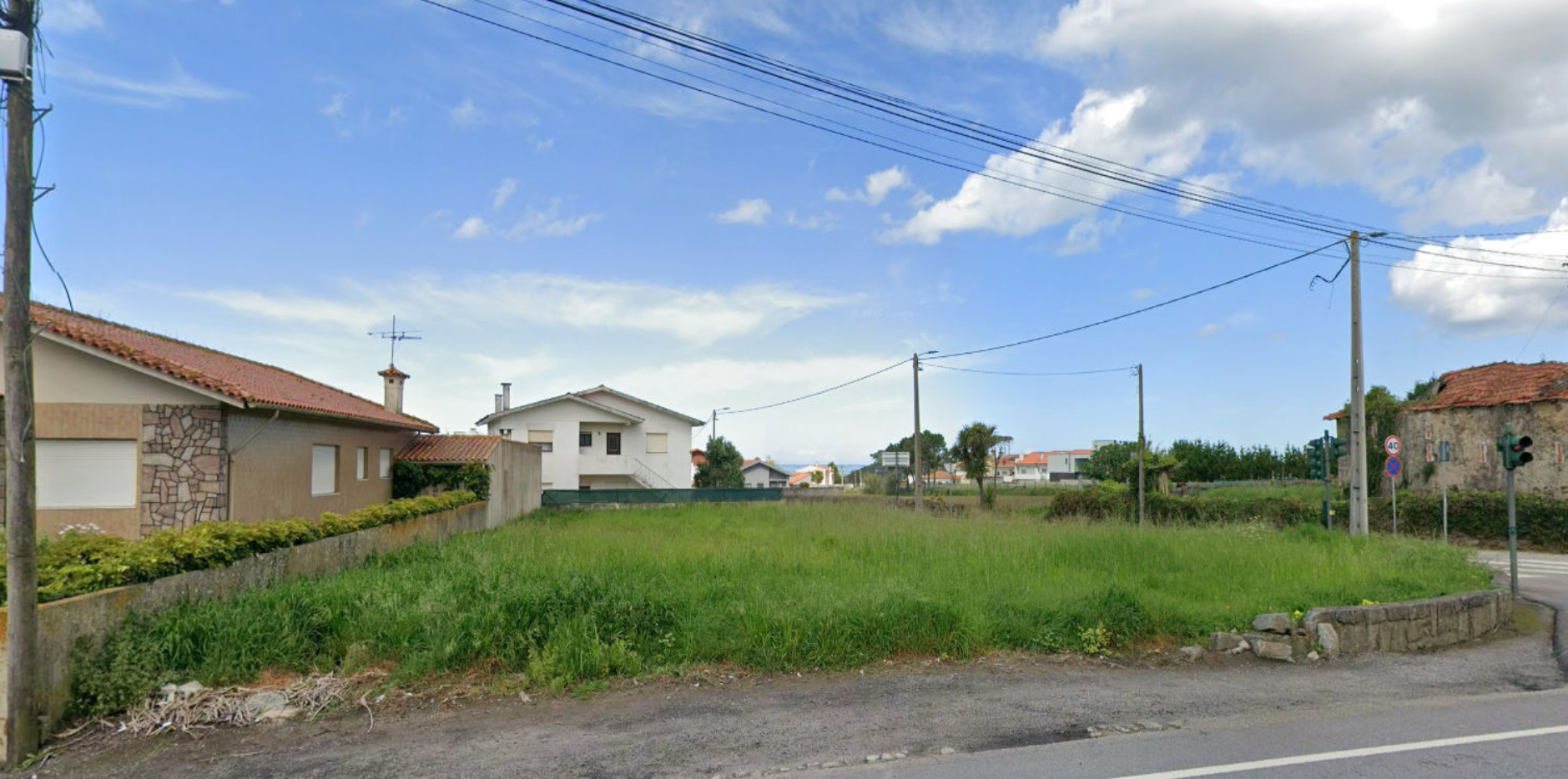
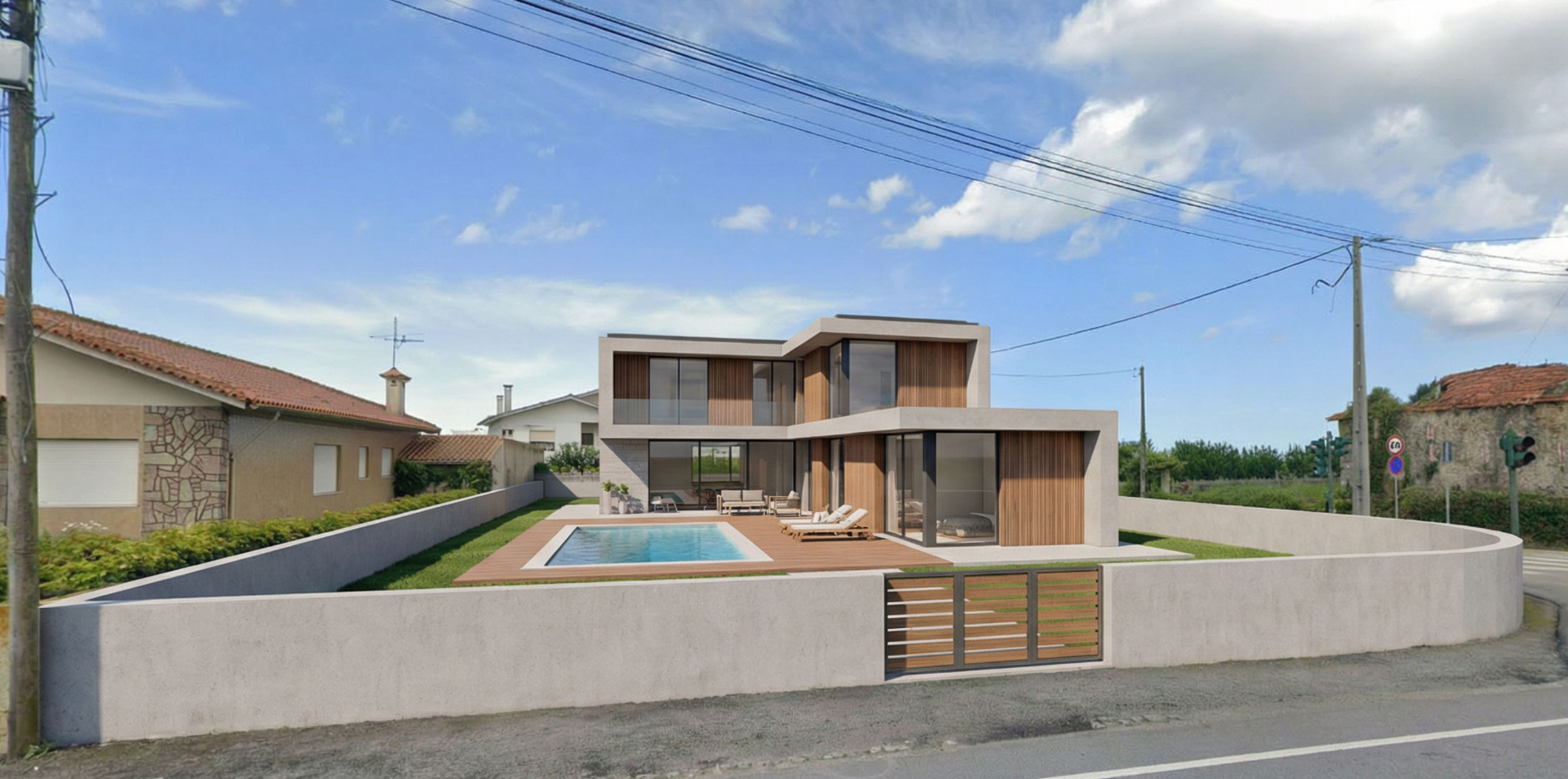
One of the most important uses of this tool is to create deployment videos They show a house "appearing" on empty ground.
Practical example: Do you have a picture of the land and a render of the planned villa? Instead of displaying two static images side by side, create a video that shows the transformation dynamically.
Start and end image
Prompt ready to use:
"Smooth transition from the initial frame to the final frame + villa emerges gradually on the ground + maintains coherent perspective and lighting."
Before and After Animated: Renewals on the Move
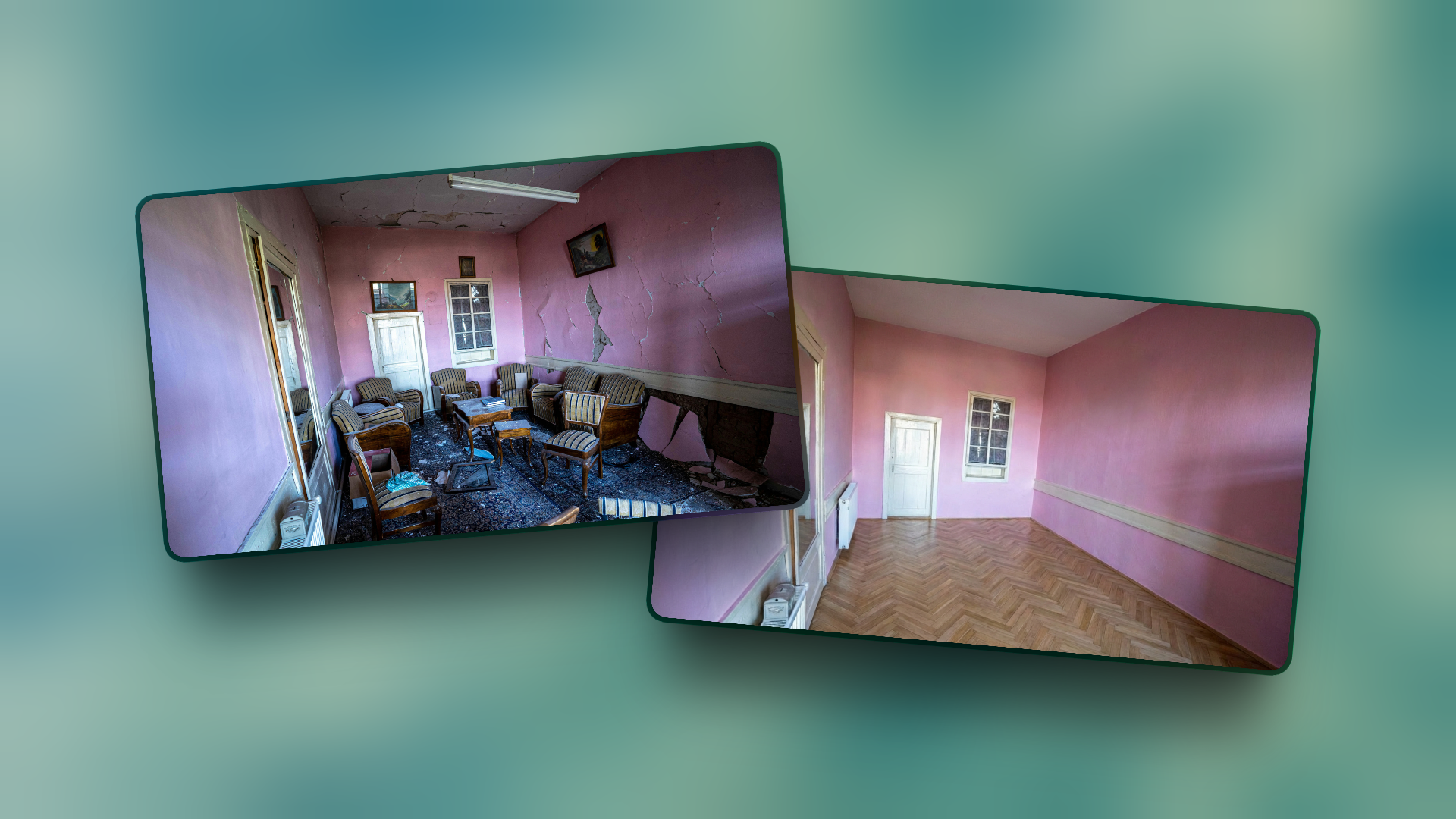
Do you have photos of a space before and after a renovation? Or do you want to show the transformation potential of an outdated property?
Instead of showing static images, you can create Transformation Videos They get a lot more attention.
For example:
- Transformation of empty space into furnished space
- Renovation of old to modern spaces
- Changes in decoration between styles
- Works in progress vs. final result
Reference Image
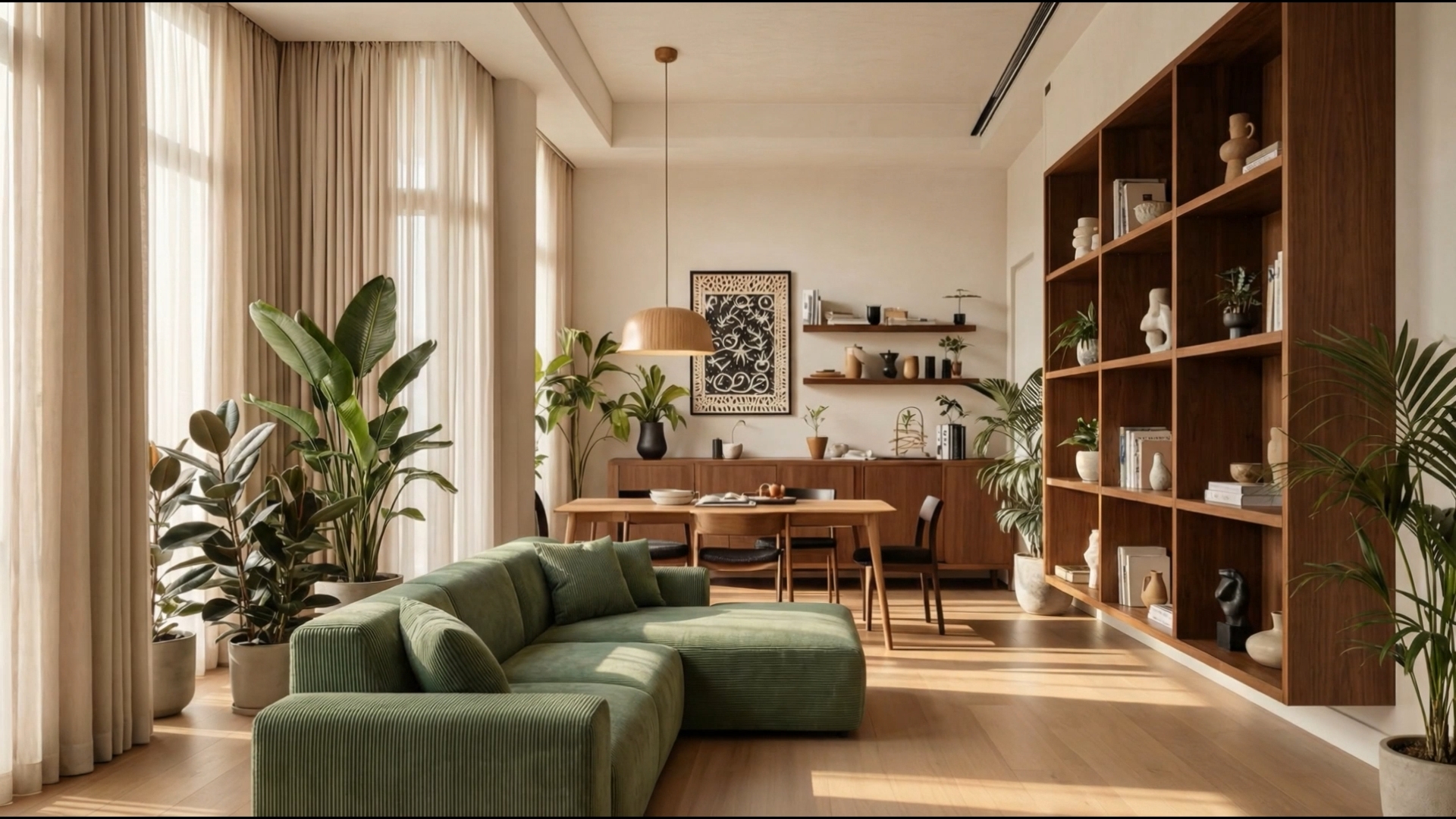
Prompt ready to use:
"Create a smooth animation that transforms an empty room into the furnished room of the reference. Furniture and decorations should appear gradually, appearing one by one, until the room is fully furnished. The camera keeps the same plane"
Creative Timelapses: Day to Night
How about showing a property at different times of the day without having to go back to the place several times?
The video generator allows you to create realistic timelapses They show the passage of time, changes in lighting, or even small movements of life in space.
- Show how natural light enters throughout the day
- Demonstrate night view and artificial lighting
- Create atmosphere and emotion around the property
- Highlight unique features (sea view, sunset, etc.)
Image Reference
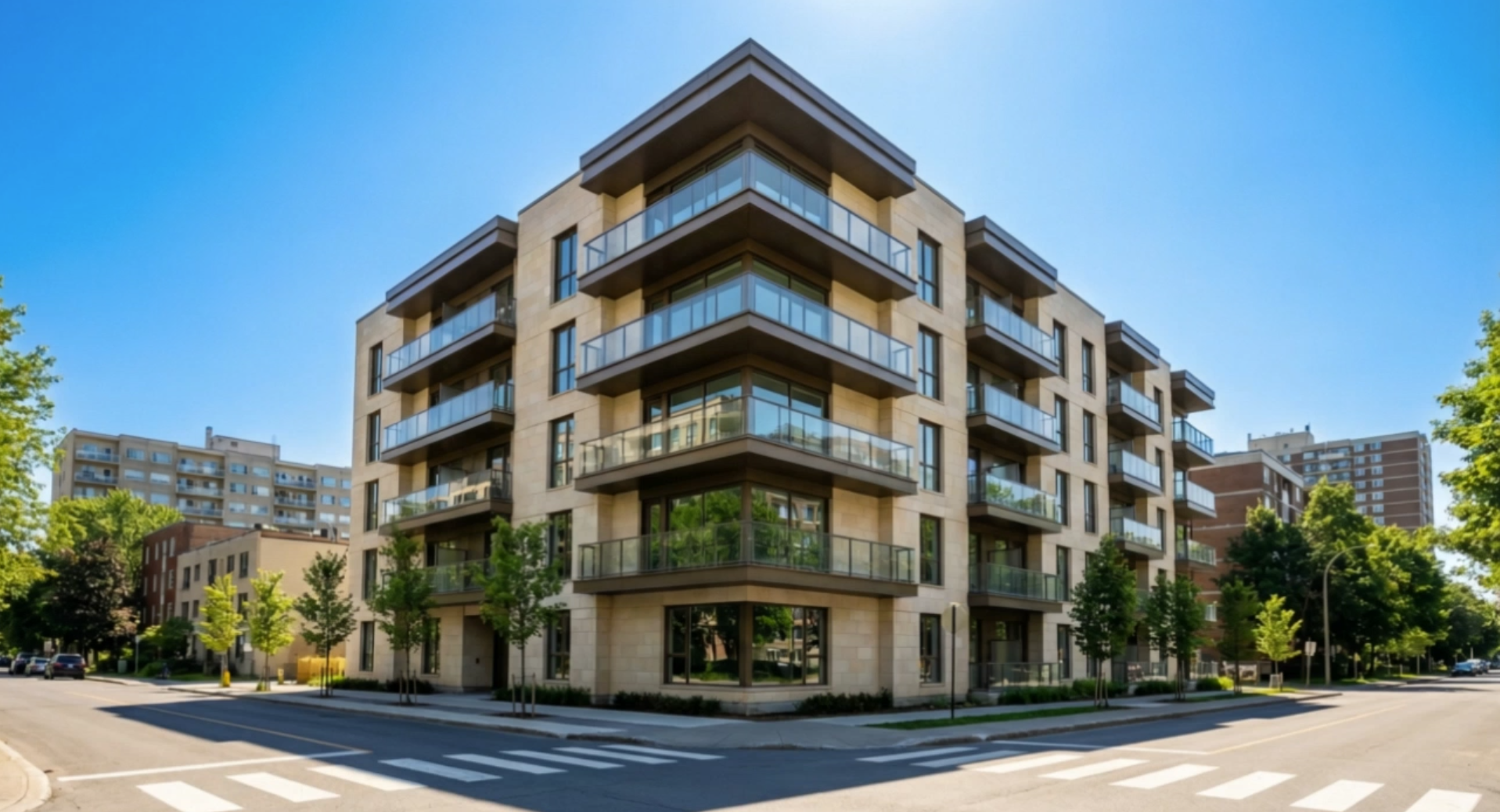
Prompt ready to use:
A timelapse video that shows the transition of the house from day to night. Shadows quickly travel through the facade as the sun moves over the building. The sky changes from a bright blue to a sunset orange and finally to a dark blue. As it gets dark, the interior lights light up one by one in different rooms. Finally, the lights of the outside garden also turn on. The camera remains perfectly motionless on a tripod all the time.
Simple animation from photo to video
What do you think of making cinematic video clips from your photos?
Up to 3 reference images can be uploaded to create videos like the one below.
Video AI tools only allow you to generate videos for up to 8 seconds, but you can use video projects within Virtual Home 360 to merge those clips and produce a more complete video.
Reference images
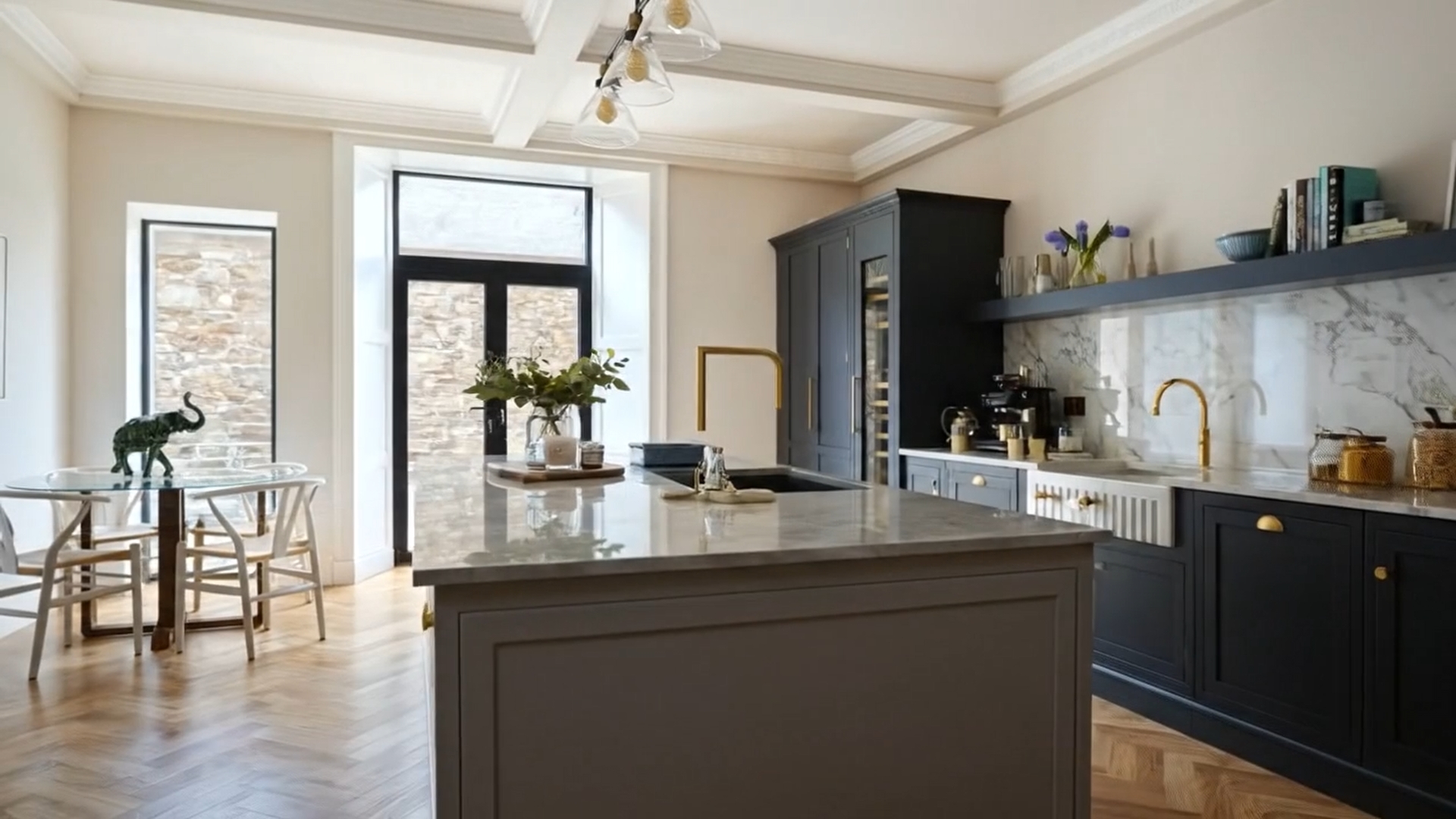
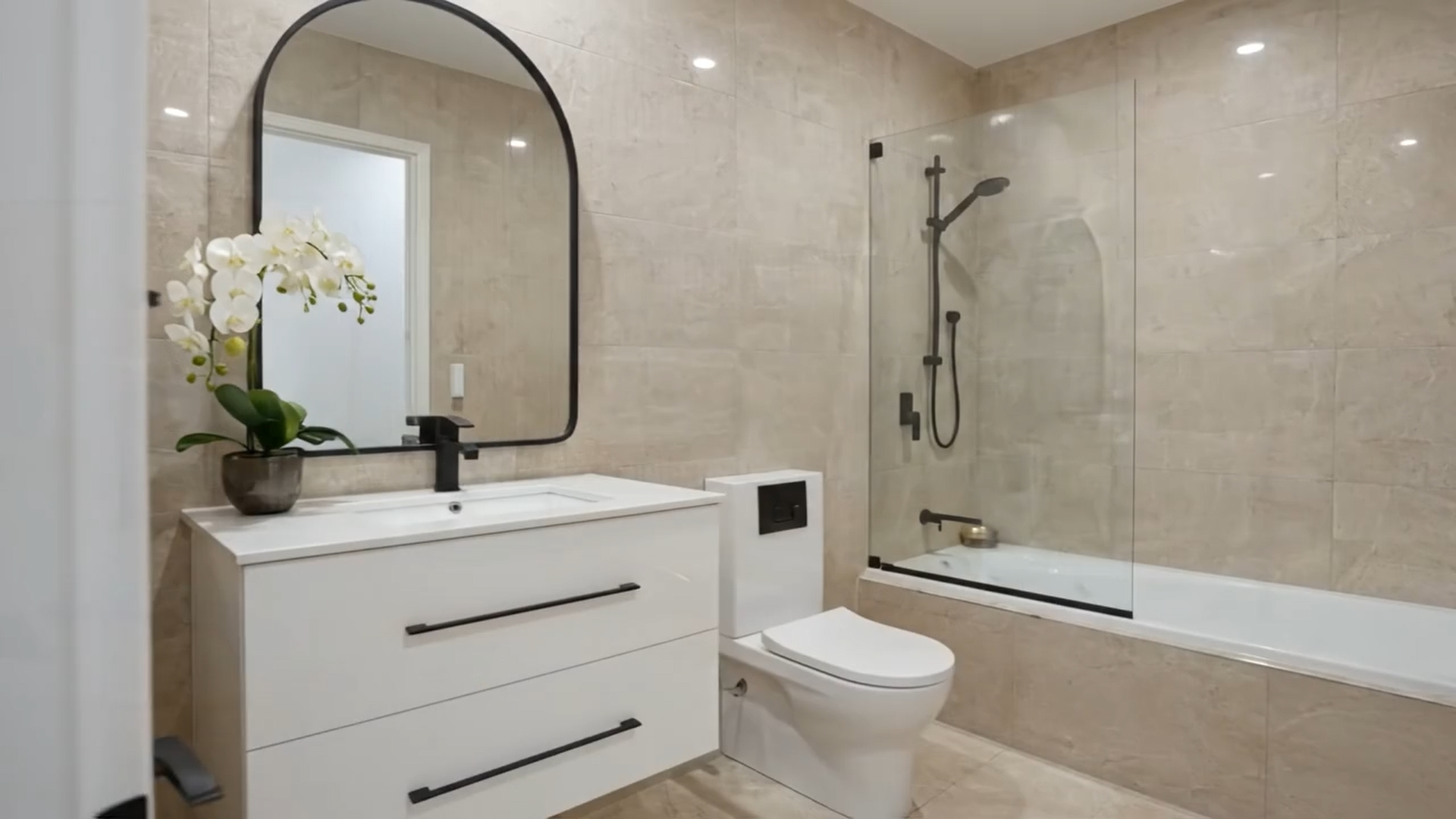
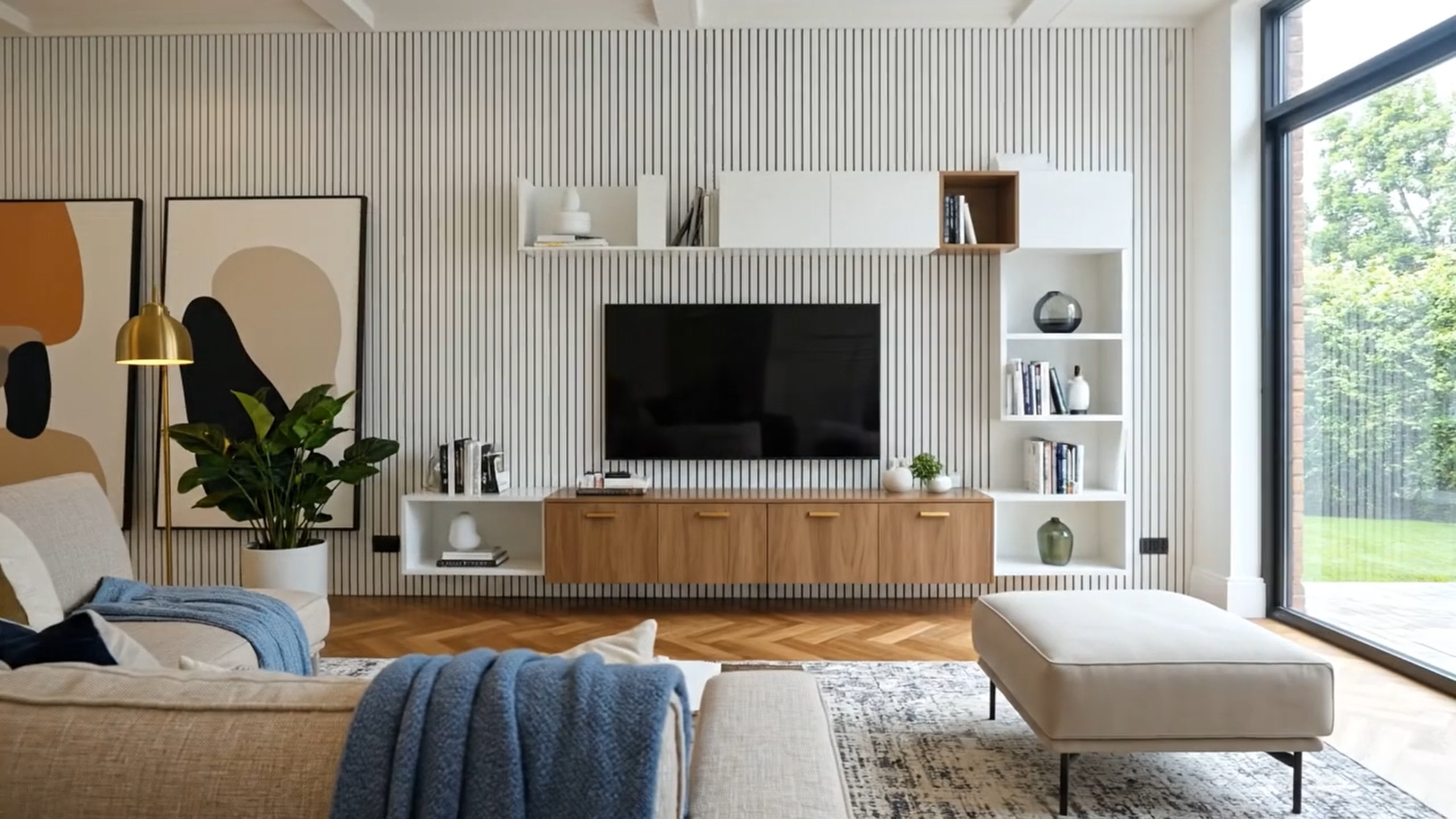
Prompt ready to use:
"Give movement to these images"
Practical Tips for Better Results
Choose the Start and End Frames
The quality of the video depends a lot on the images it provides.
Use high-quality images with the same framing for smoother transitions.
Describe the desired movement
Be specific about the type of movement or transformation you want.
The more specific the prompt, the better the result.
Keep videos short
Add a few short videos to create a longer video duration and thus achieve a more suitable result for use in social networks.
Test the same prompt
If the first result isn't perfect, try a new generation with the same prompt.
Artificial intelligence rarely generates the same result, and this small variation in generation may be what you're looking for.
Use coherent lighting
For best results, make sure that the initial and final images have similar lighting (unless you want to show day/night change).
An Important Note on AI
Artificial intelligence tools are extremely useful and saves time and resources, But they are not perfect. Like any AI technology, they can occasionally make mistakes or generate what we call "hallucinations" — small visual inconsistencies or movements that make no sense in reality.
For example:
- Objects that appear or disappear abruptly
- Small distortions in parts of the video
- Non-fully fluid movements in certain transitions
- Details that change slightly between frames
- The generated content has a completely different result than expected.
The good news? In most cases, the results are good enough for use in real estate marketing, especially in social media and commercial presentations. And when they're not, just adjust the prompt or source images and try again. The important thing is always review the generated videos before publishing them or presenting them to customers.
Conclusion
Virtual Home 360's AI Video tools do not replace professional videographing, but it is a extremely valuable complementary tool This allows for:
⁇ Save money in video equipment, professional videographers, and complex editing
⁇ Save time when creating videos in minutes instead of hours or days
⁇ Increase engagement with video content that captures more attention
📱 Create optimized content to social media consistently
🚀 Stand out from the competition with unique and professional visual content
⁇ Try AI Tools
⁇ Use the prompts ready above to start with immediate results
⁇ Talk to us if you need help or have any questions