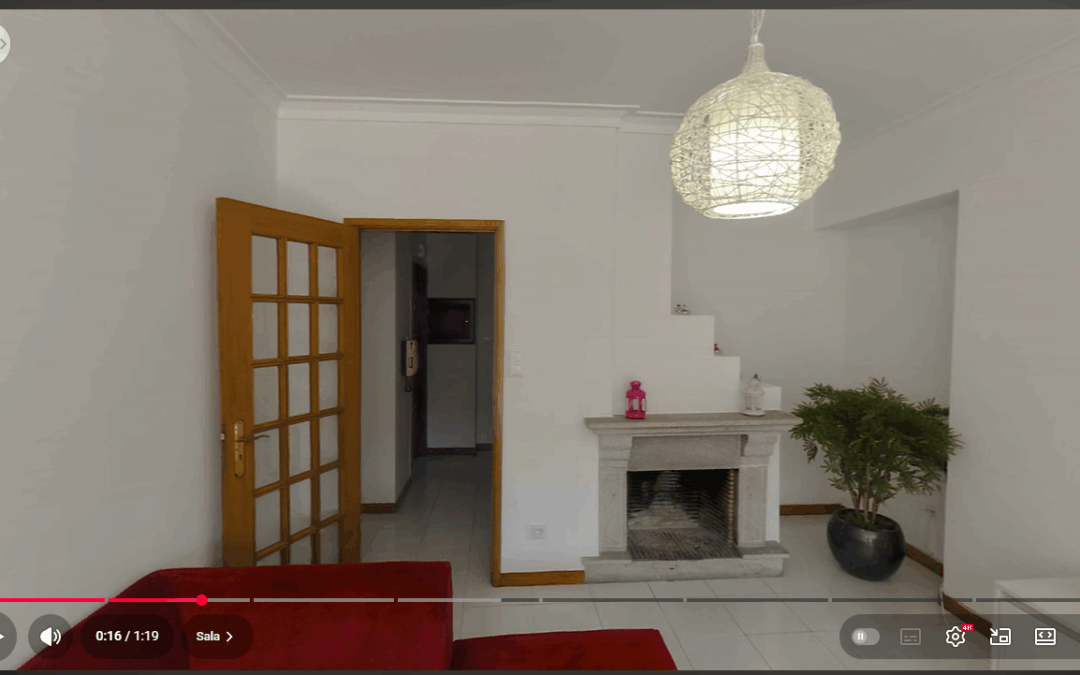
On Virtual Tours> Video 360 it is possible to create a video with the panoramas present in the tour to publish it on platforms that can interpret 360o videos such as YouTube or Facebook.
On the home screen of the menu we can see the videos already created and a button to create new videos.
By clicking on + Create 360 Video has the following options:
- Choosing the panoramas will appear in the video, changing its order and its individual duration in seconds;
- Video resolution – you can choose from several resolutions;
- Slide(s) duration – you can choose an overall duration for all slides by choosing the number of seconds and pressing the button Mark for everyone;
- Audio – the music accompanying the video of those present in the library of Audio.
When sharing these 360 videos on facebook, be careful not to post audio, as the video may not work.
Once the settings have been selected, click the button Generate. The time of creation of the video is approximately 3 times the time of its duration (a video with 1 minute of duration, should take about 3 minutes to generate). A warning will be shown that will disappear when the process is over. While you wait, you can click on the warning button to open a new window and continue working on your tour(s).
Once generated, the video is available for download and sharing on the various platforms.
When sharing the video on YouTube, put in the video description the text generated by clicking the button Description for Chapters.
The text will be generated with this template:
00:00:00 Entry
00:00:10 Room
00:00:20 Kitchen
00:00:30 Marquise
00:00:40 Hall of Rooms
00:00:50 Room 1
00:01:00 Room 2
00:01:10 Room 3