The introduction of a logo in the Tour is done in: Edit Tour > Content.
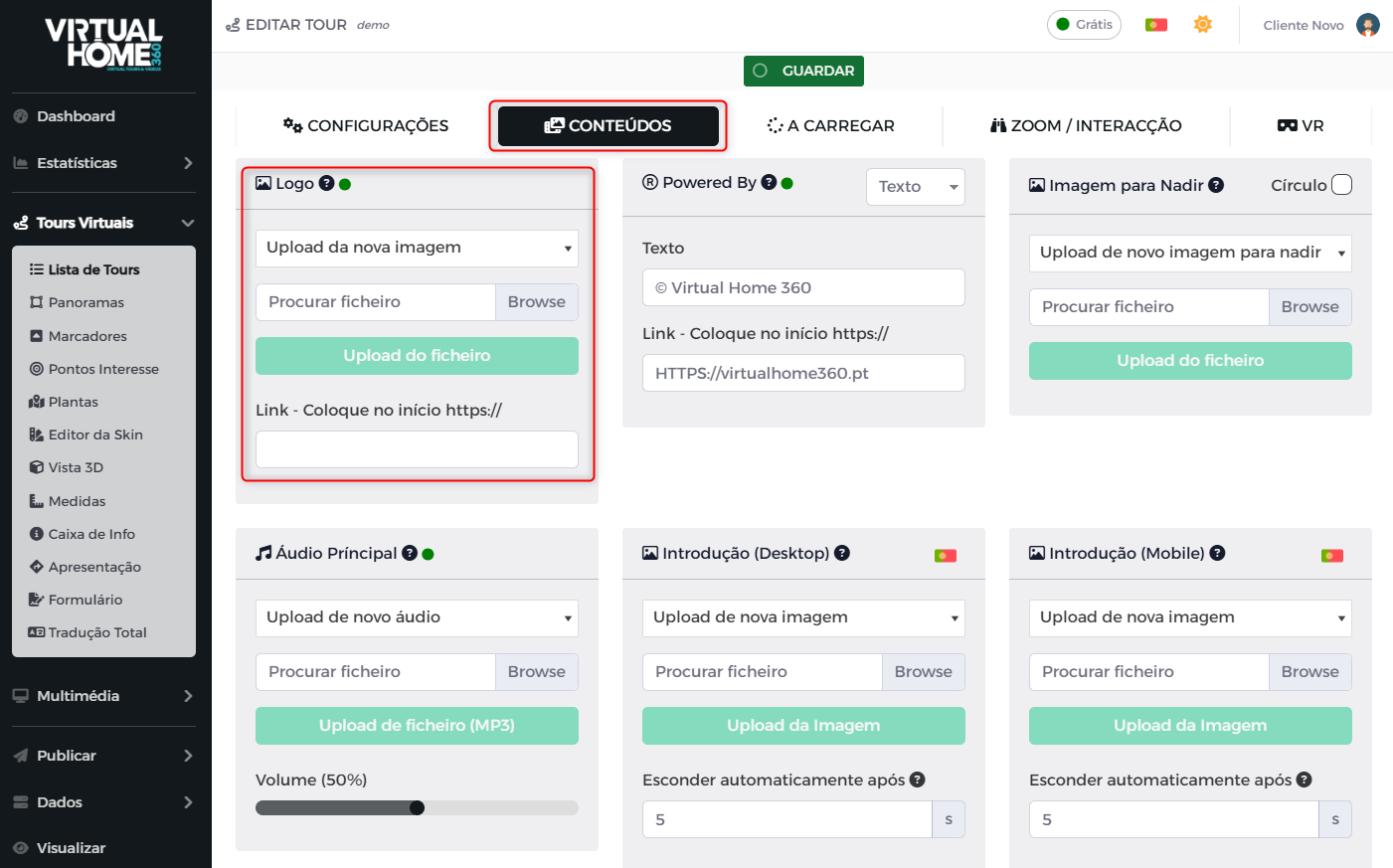
Click on Search File to choose the desired image and without following click on Image Upload.
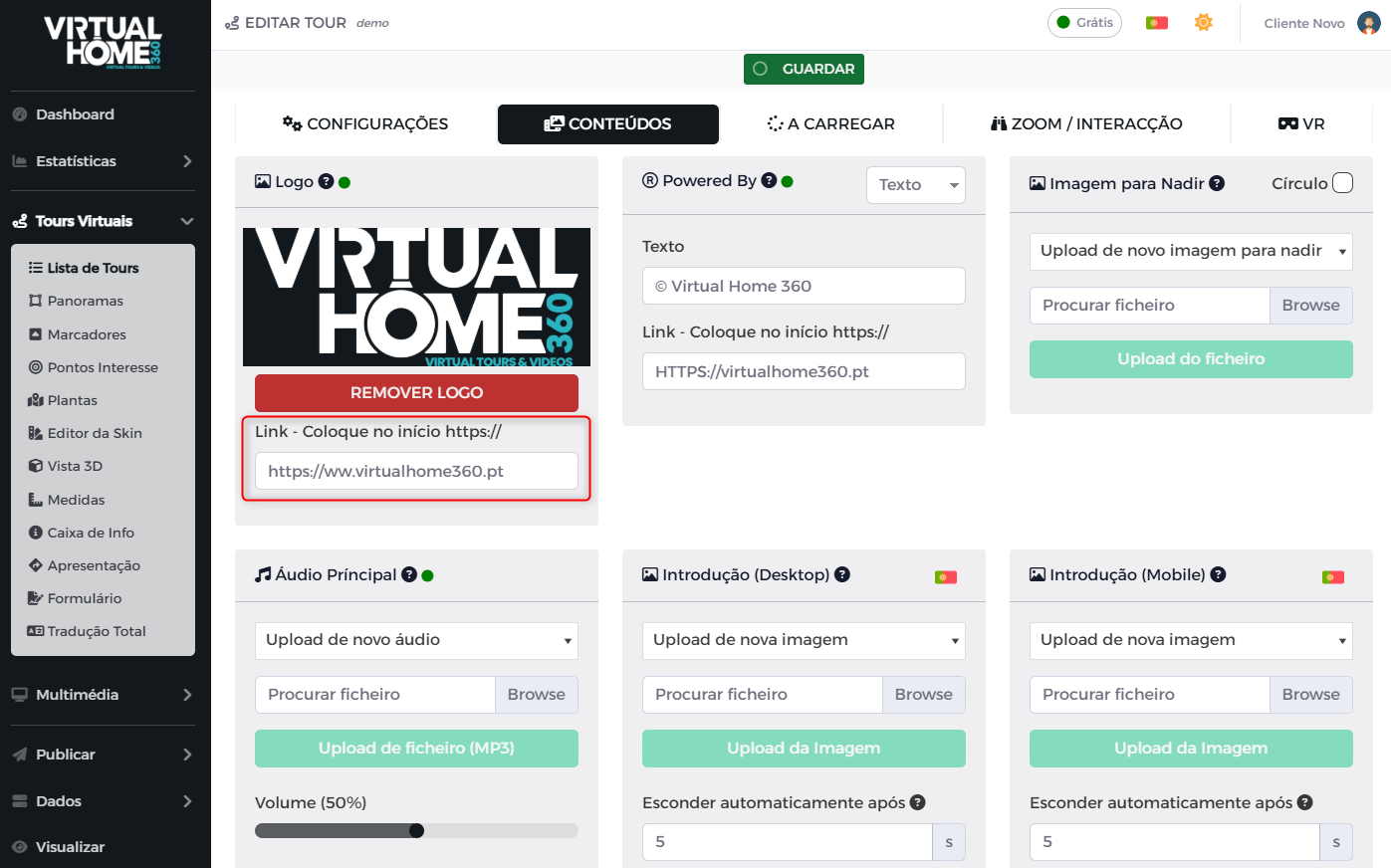
After uploading, you can see the chosen image and a box to enter the target link by clicking on the logo. Click on Save so that the settings are applied (it is you may have to reload the page for the link window to appear).
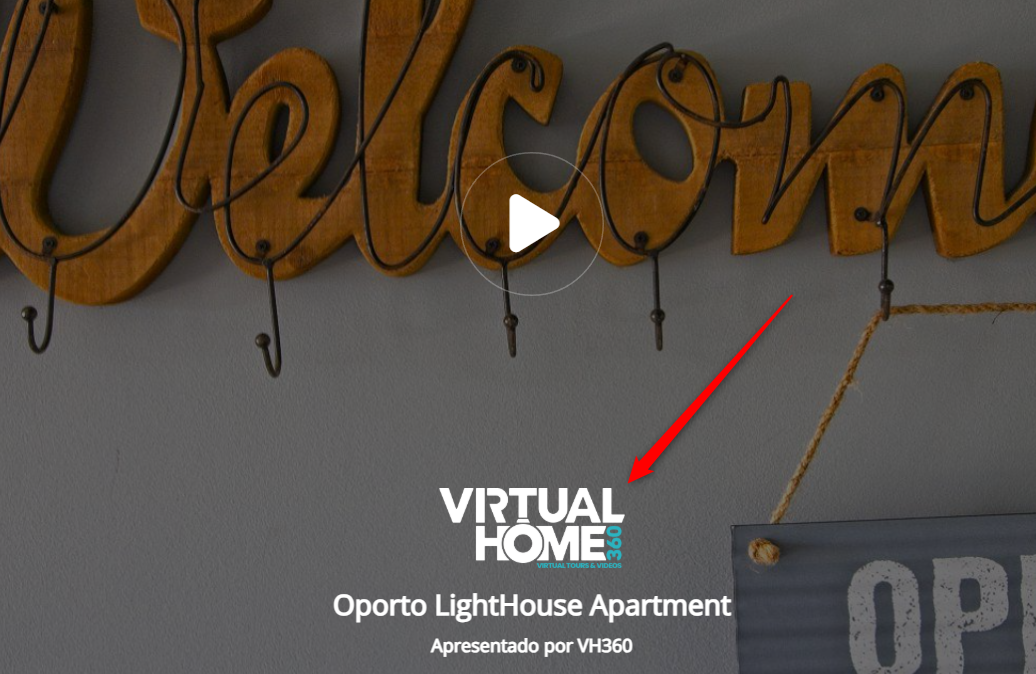
O logo will appear during initial loading and will be present in the top left corner of the Tour.
You can see this feature applied on the Tour available at https://virtualhome360.pt/app/viewer/inputstudio.