
Differences between 360 panoramas and normal photos in Virtual Home 360
No Virtual Home 360, you can upload different types of files – 360 panoramas, photos and even videos – to create immersive experiences.
But not all images and videos behave the same way.
Here we explain the differences between “Normal” photograph/image, photograph/panorama 360, normal video e 360 video.
Normal photograph (or image)
What it is:
It is a traditional image, captured from a single point of view. It shows only what is “in front” of the camera, in a rectangular frame.
Example:
A photograph of a room taken with a mobile phone or a photo camera, showing only a wall, a sofa and a window.
As it appears in Virtual Home 360:
-
It is presented as an flat image, no interaction.
-
The user Cannot move the view sideways.
-
Ideal for galleries, thumbnails, product details or specific views.
Common formats:
16:9 - horizontal
1:1 - square
9:16 - vertical (instagram)
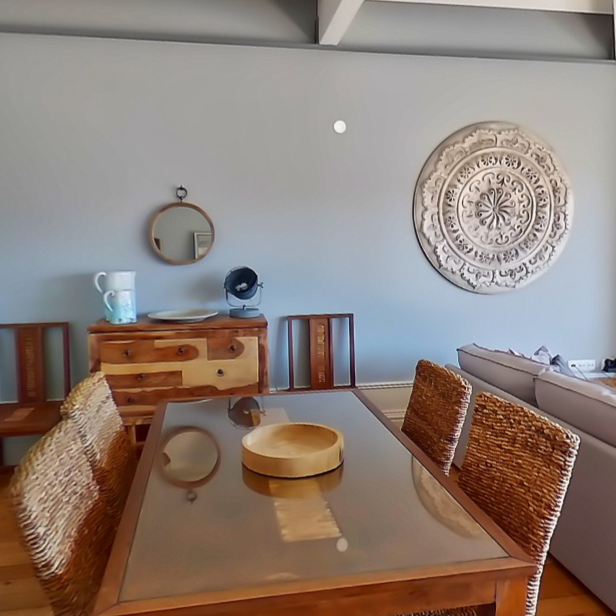
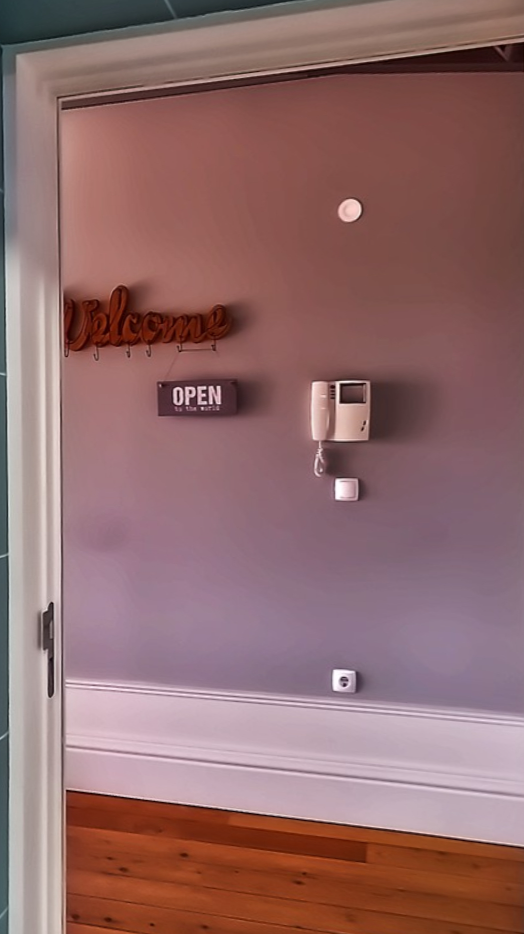
360° Panoramic Photography
What it is:
A spherical image that covers all around the camera — front, back, sides, ceiling and floor.
It allows the user to "look around" as if they were inside the space.
Example:
A photograph taken with a 360 camera (e.g. Ricoh Theta, Insta360, Trisio) which takes photos in equirectangular format.
As it appears in Virtual Home 360:
-
The user can dragging your mouse or using your phone to explore the image.
-
The system automatically recognizes the file as panorama 360 if it has the correct proportions (usually 2:1, e.g. 12000x6000 px).
-
It is the most suitable file type for virtual tours.
That is, a set of several 360 photos, with markers that allow us to take a tour from one photo to another, form a Virtual Tour.
Common formats:
2:1 - equirectangular
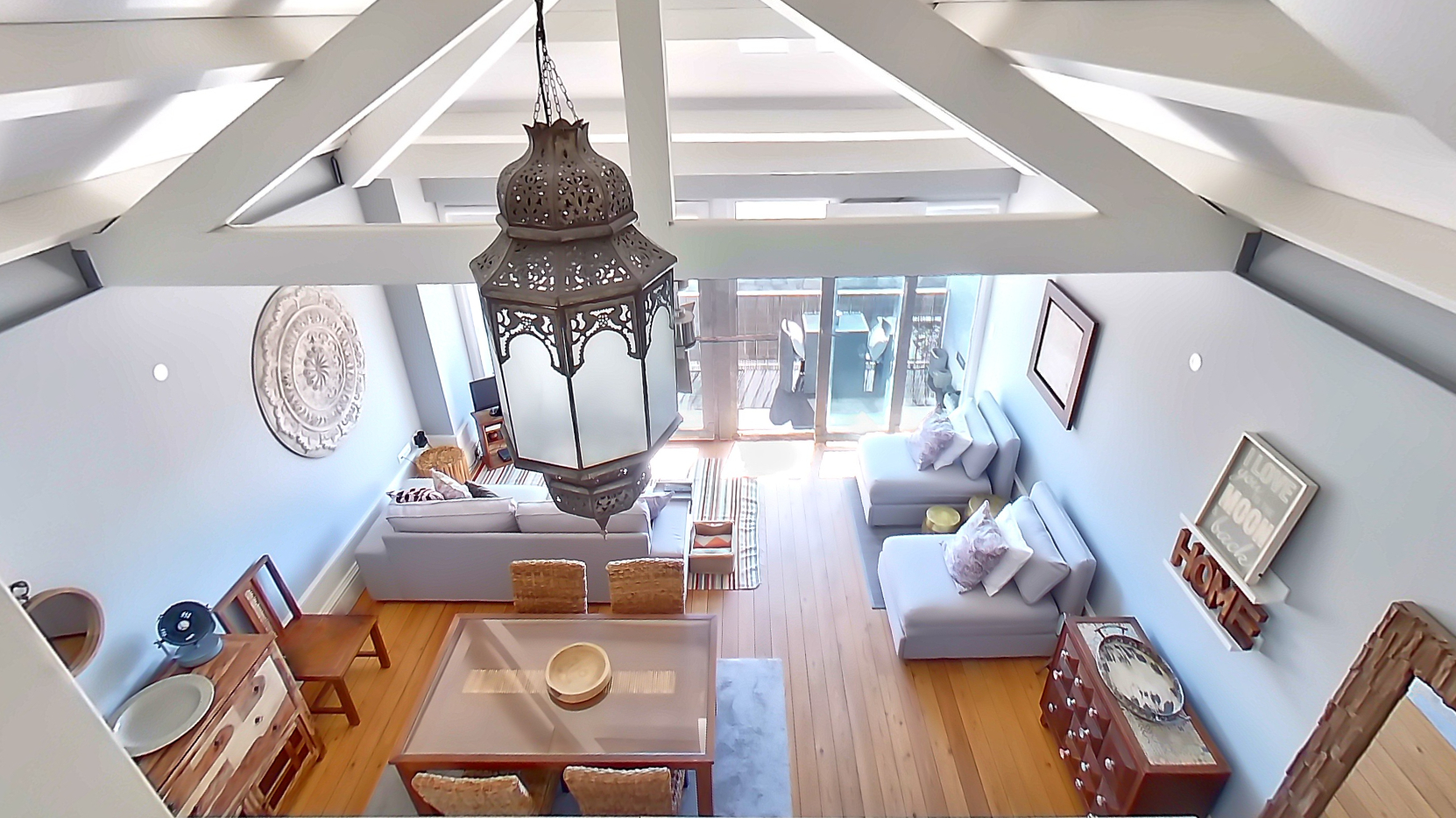
The example below shows how a 360 image appears if it is not in a 360 viewer.
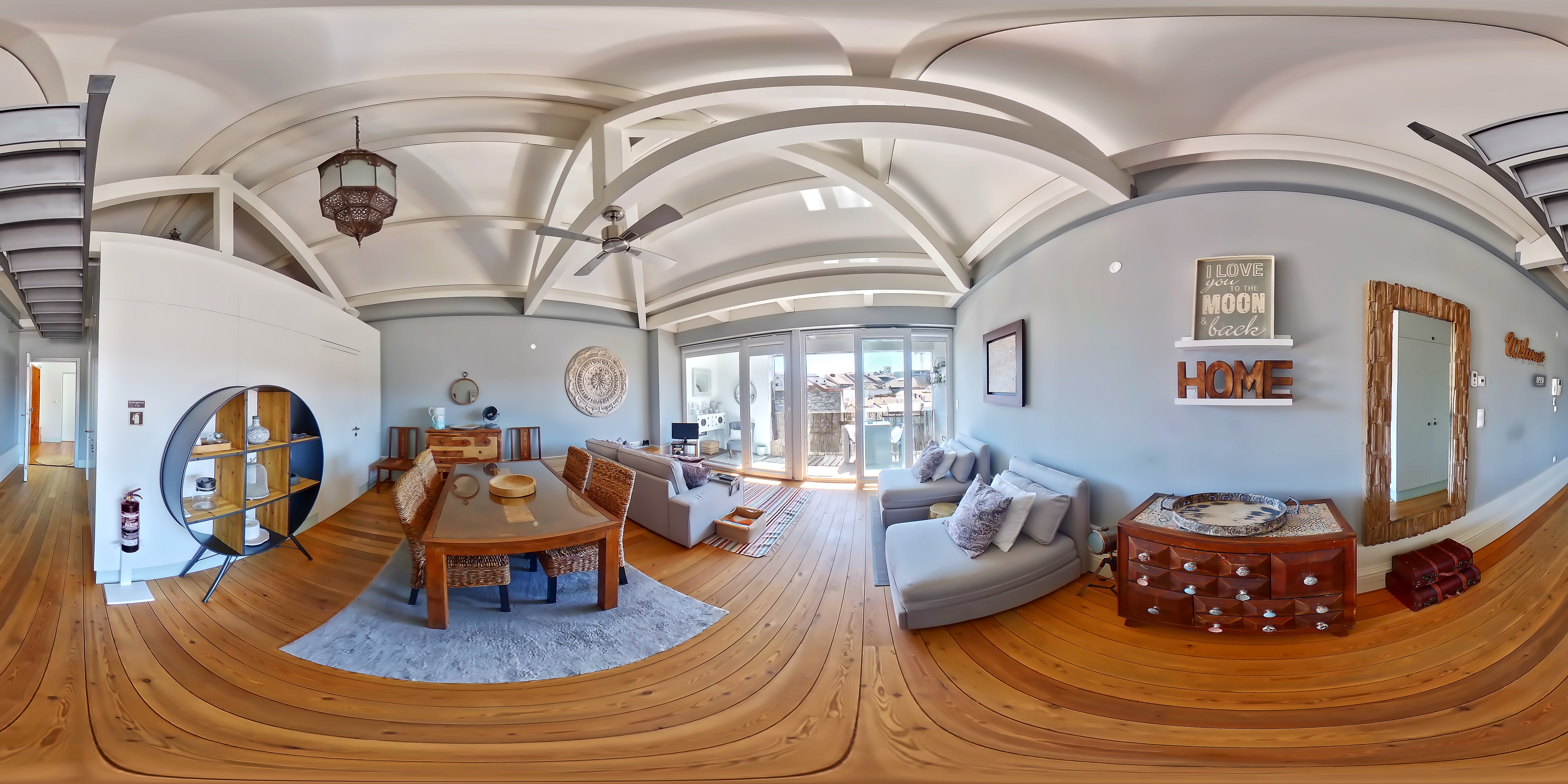
The following example shows the same photo 360 in the Virtual Home 360.
Normal video
What it is:
A video filmed in a traditional way, with a camera that captures only the front of the scene.
Example:
A video showing the exterior of a house or a close-up of an object.
As it appears in Virtual Home 360:
-
It is reproduced in a fixed window, without panoramic movement.
-
It can be added as an support element within a tour (for example, a Tourist video on a TV or at a point of interest).
-
Ideal for make the tour more attractive.
Common formats:
Same as the normal photo.
The following example shows a video in 16:9 format made with the tool Video Projects This is included with Virtual Home 360.
360° video
What it is:
A spherical video that records the complete environment in all directions.
It works as a sequence of 360-degree panoramas over time.
Example:
A video recorded with a 360 camera in the middle of a room – the user can move the view while the video is running, as if they were there.
As it appears in Virtual Home 360:
-
The user can look in any direction while the video is playing.
-
Ideal for immersive demonstrations or interactive experiences.
-
It requires more processing and storage space than other types.
Common format:
Equirectangular, same as photo 360.
Quick comparison
| Media Type | User Interaction | Does it cover 360 degrees? | Movement (video)? | Most common use |
|---|---|---|---|---|
| Normal photography | Ш No | Ш No | Ш No | Galleries, details |
| 360° Panoramic Photography | ✅ Yes | ✅ Yes | Ш No | Virtual tours, immersive views |
| Normal video | Ш No | Ш No | ✅ Yes | Presentations, explanations |
| 360° video | ✅ Yes | ✅ Yes | ✅ Yes | Immersive experiences, events |