Transform the way you sell real estate: the New AI Tools of Virtual Home 360
Real estate marketing is no longer just good photos and plants: today, to capture attention and accelerate purchasing decisions, it is essential to offer engaging and inspiring visual experiences. With the new tools of Artificial intelligence from Virtual Home 360, you can create 360° images, videos and editions that value each ad — without relying on long editing times or large budgets.
This article explains each feature, gives practical examples and even Ready-to-use prompts to achieve results with immediate impact.
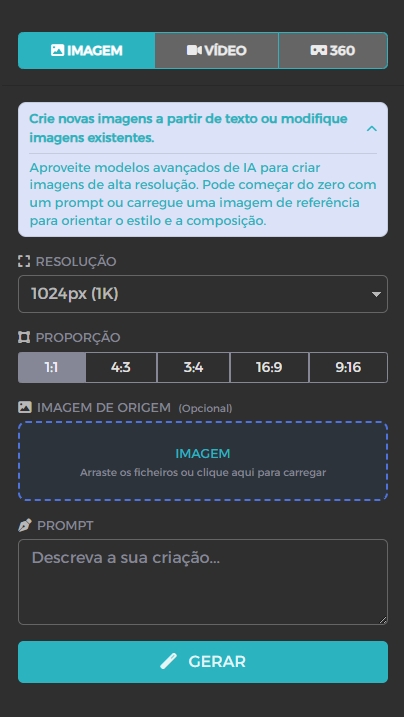
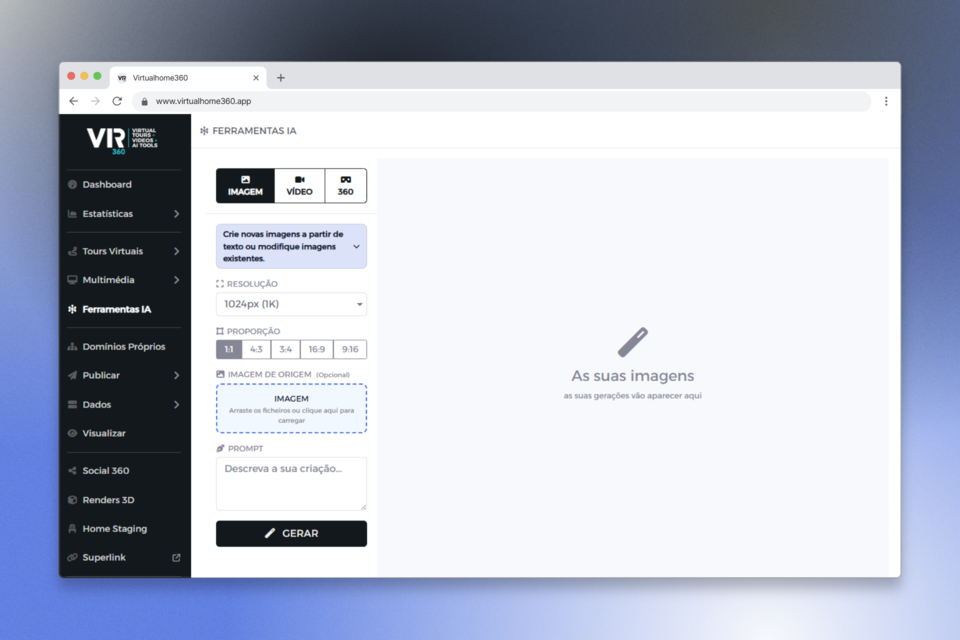
1) Image Generator with AI - Smart Virtual Staging
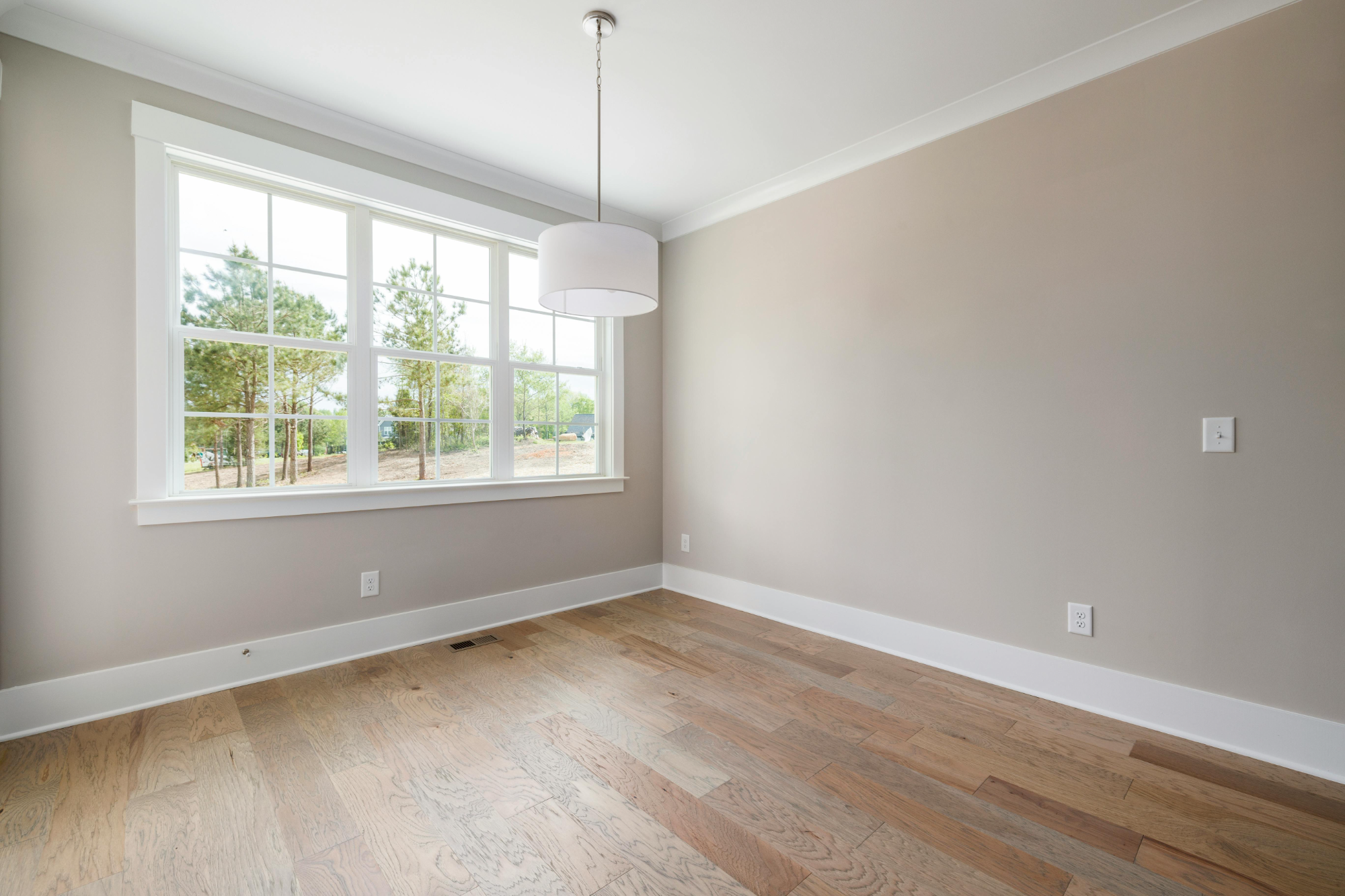
Imagine taking an empty room, or even a handmade drawing, and turning it into something that a potential buyer might want to buy. wish to live there.
With this tool it is possible to:
✔ Digitally furnish the room (sofa, table, decoration)
✔ Change or remove existing furniture
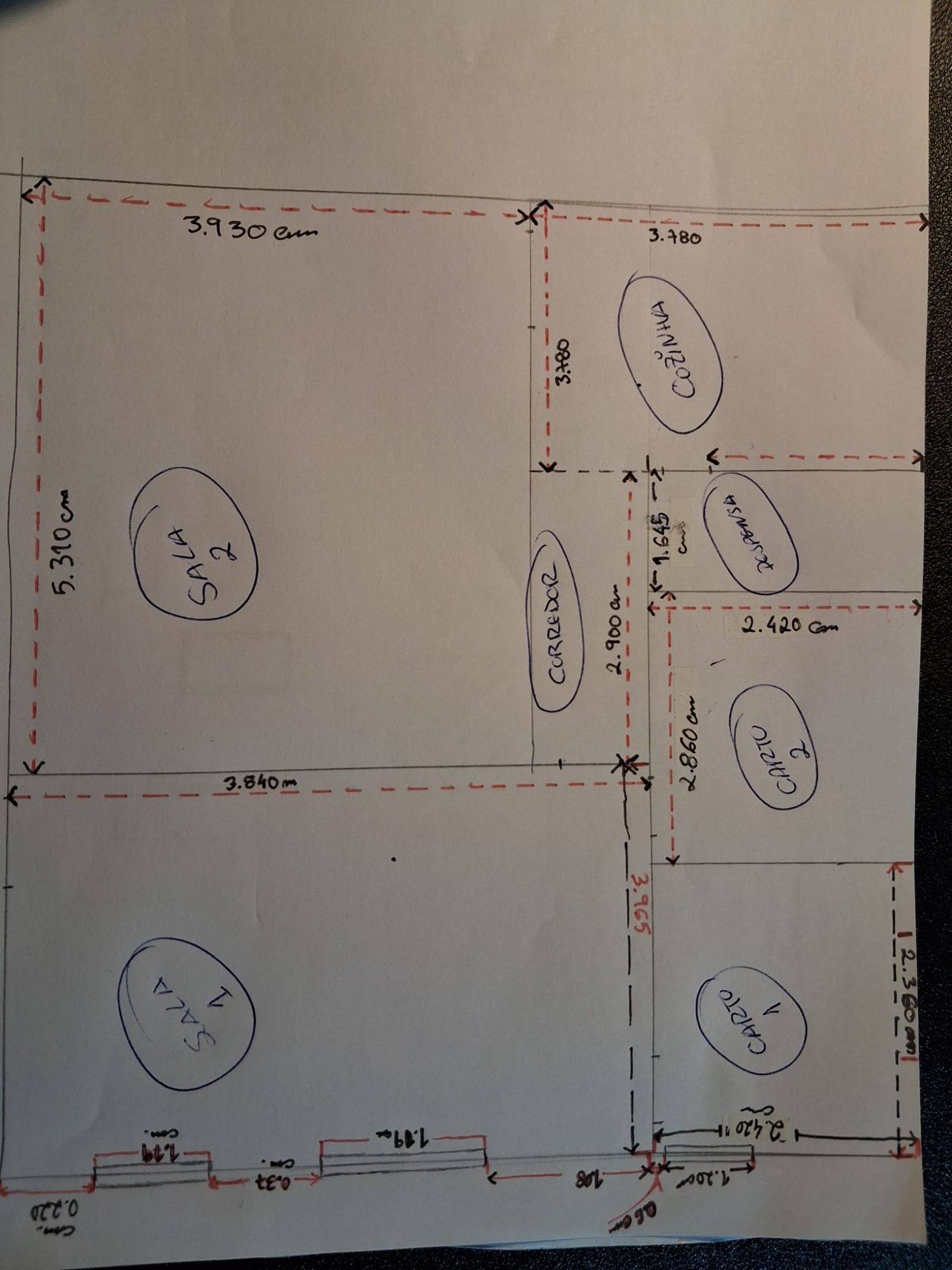
✔ Pick up handmade plants/drawings and generate stylish and professional images
✔ View houses appearing on empty land
➡ all this based on text (prompt) Describe what is desired.
Example of use cases:
-
turn an empty room into a minimalist modern space
-
show multiple decorating options in the same space
-
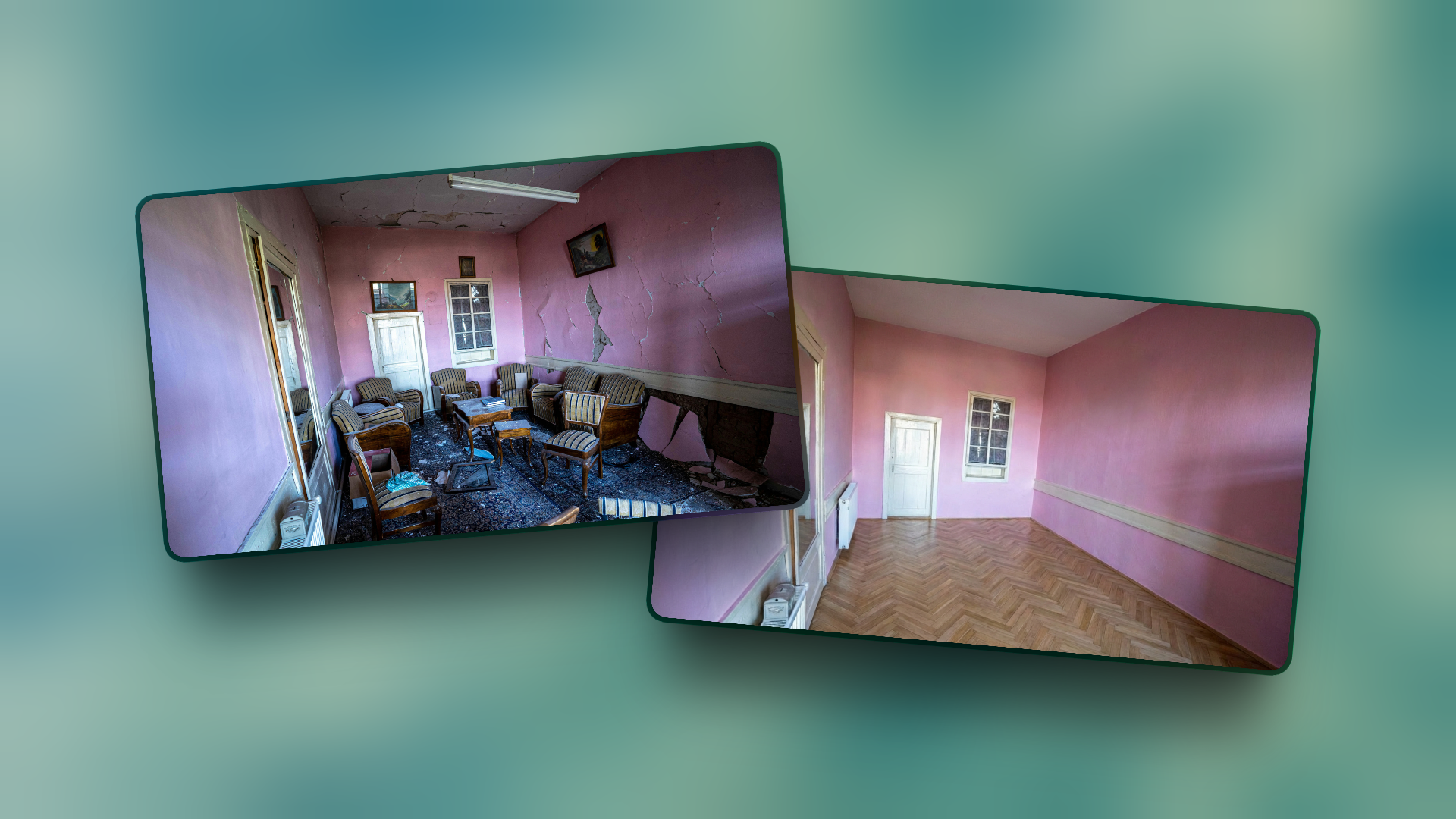
generate “before/after” versions for visual comparison
Ready-to-use prompts (copy/paste):
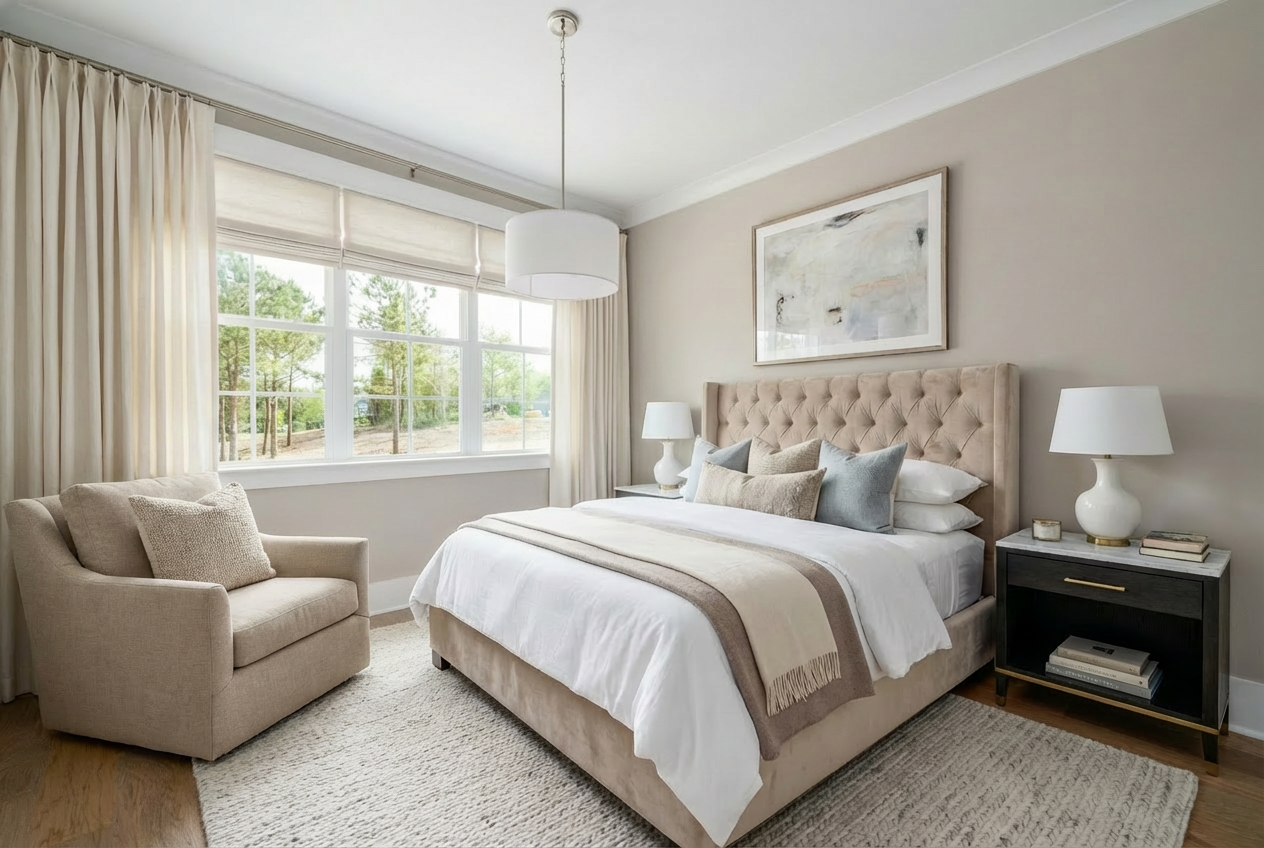
Decorate this bedroom stylishly + do not alter the original image + do not remove parts + do not alter the orientation + the head of the bed should be leaning against the wall without windows.
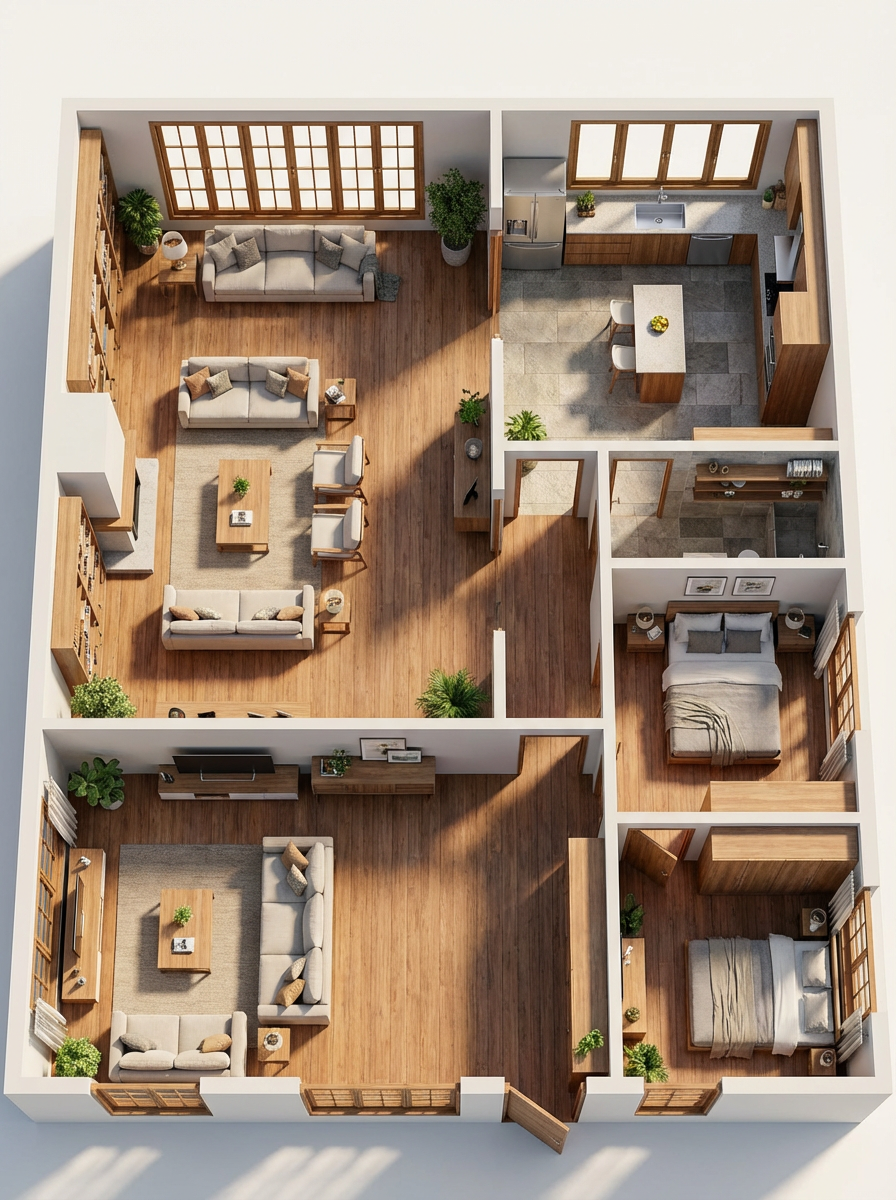
"Photorealistic 3D isometric plan. Clear layout with doors, windows, furniture and functional areas. Realistic natural lighting. Clean and modern presentation, with realistic materials and textures. Well-organised and easy-to-understand space."
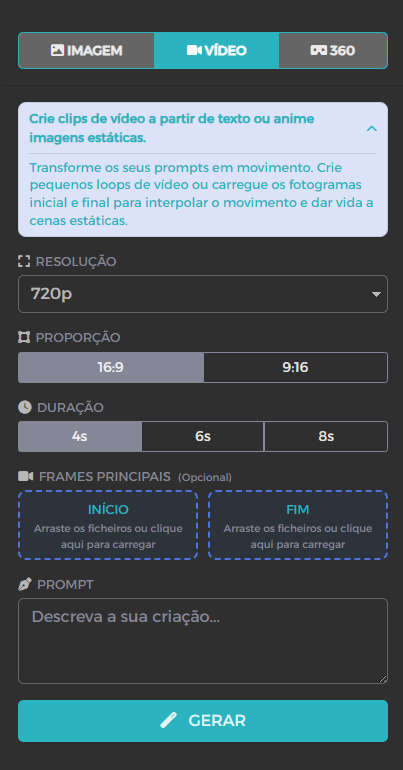
2) Video Generator — from static images to visual narrative
The power of a video for real estate is in show transformation and movement — a tour starting on the outside and ending on the inside, or a before/after stylised tour.
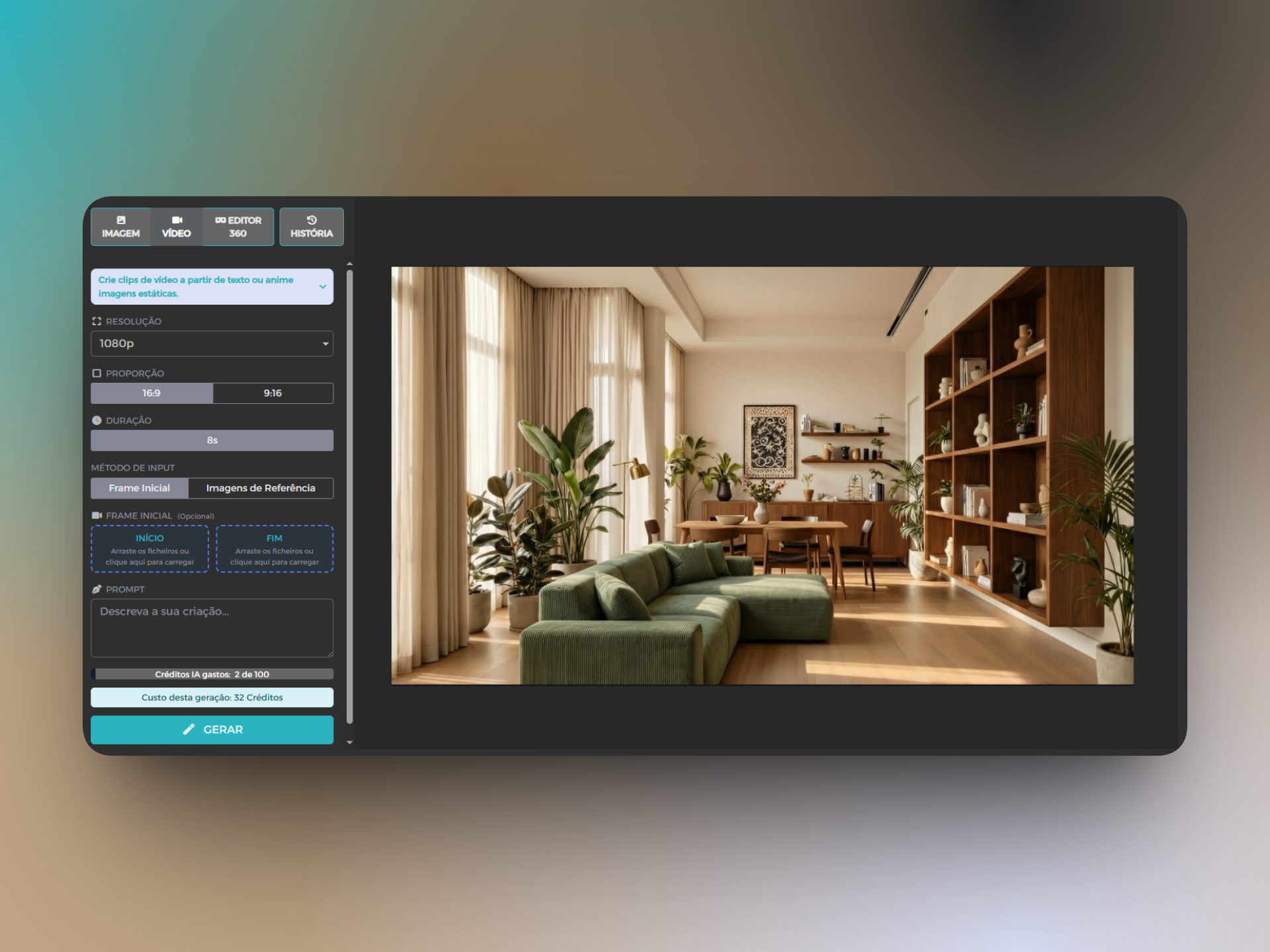
Here, the functionality of AI generates videos from text, with one initial and final image given by you, and enliven the transition professionally to your ads.
When to use video with AI:
-
social media reels that get attention in the first 3 seconds
-
Stylized Walkthrough Property
-
portfolio presentations for agents or promoters
Examples of prompts:
"Smooth transition between the frame from the beginning to the end, where there is a renovation of the house."
It makes a realistic timelapse, overnight, with a family walking around the house.
the lamp moves slightly and naturally and the light accompanies that movement."
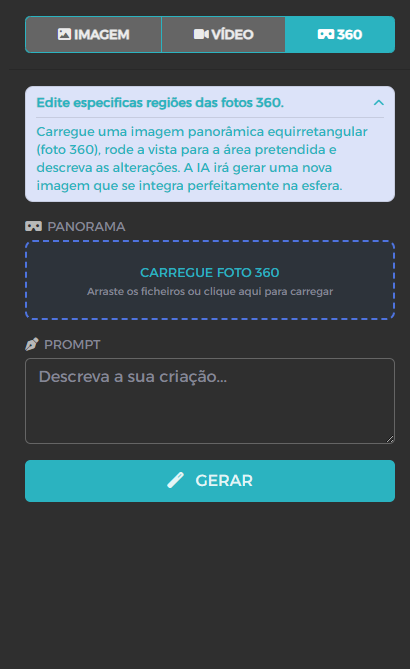
3) 360° AI editor - Smart panorama editing
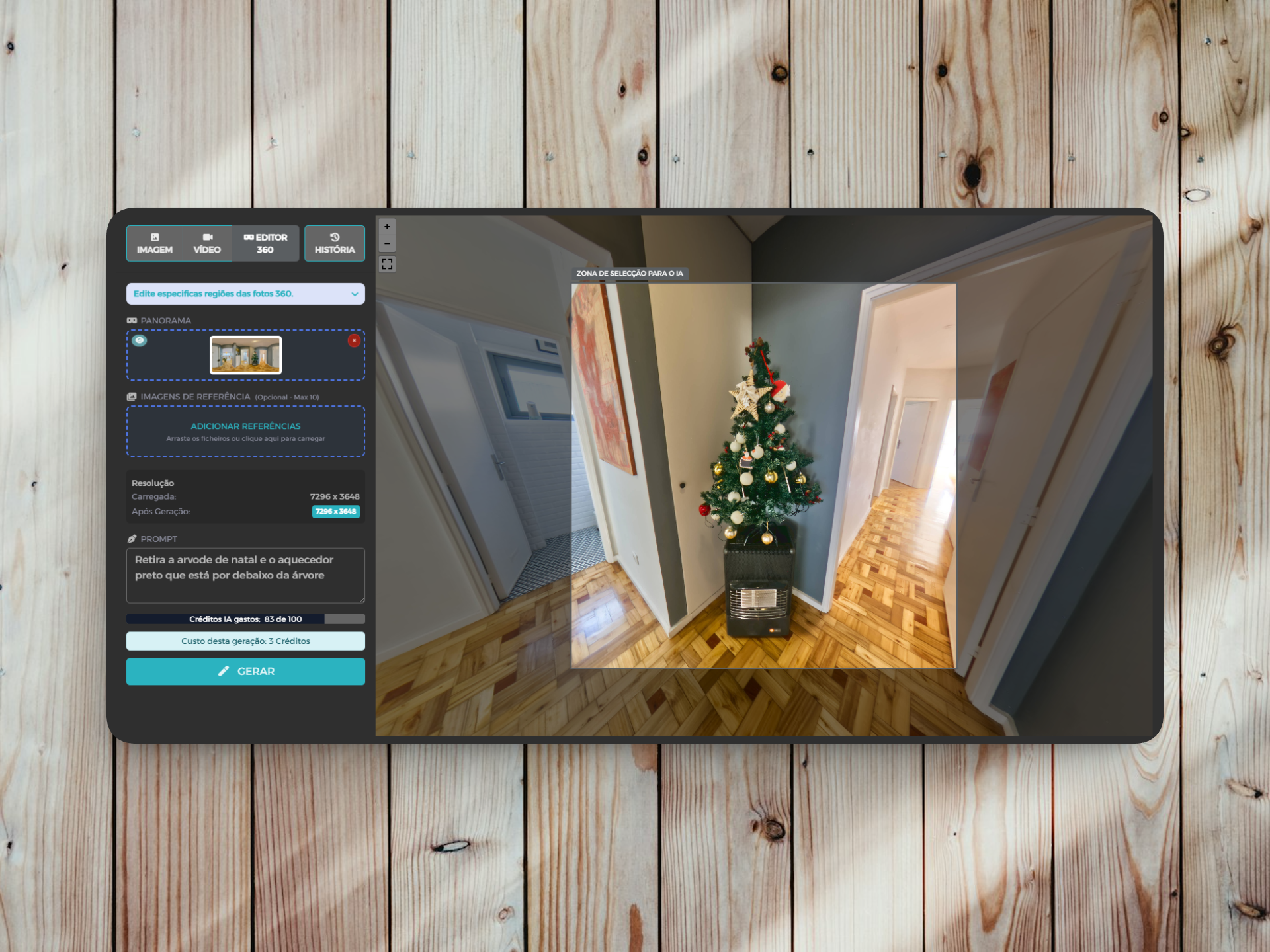
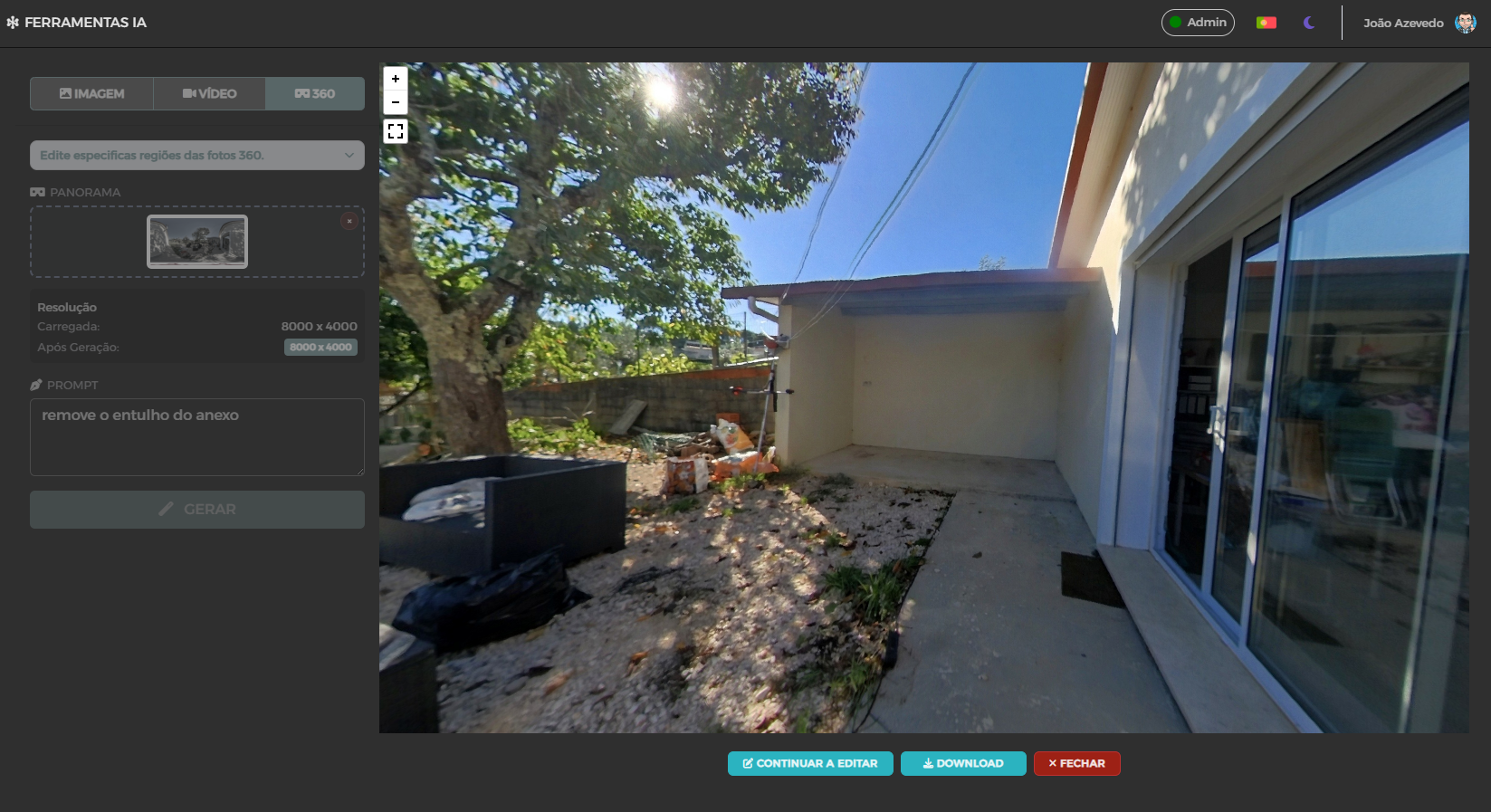
This is a valuable tool for those who work with 360° tours. Instead of just uploading panoramas and connecting hotspots, you can now direct AI to change specific parts of the image.
Examples of what you can do:
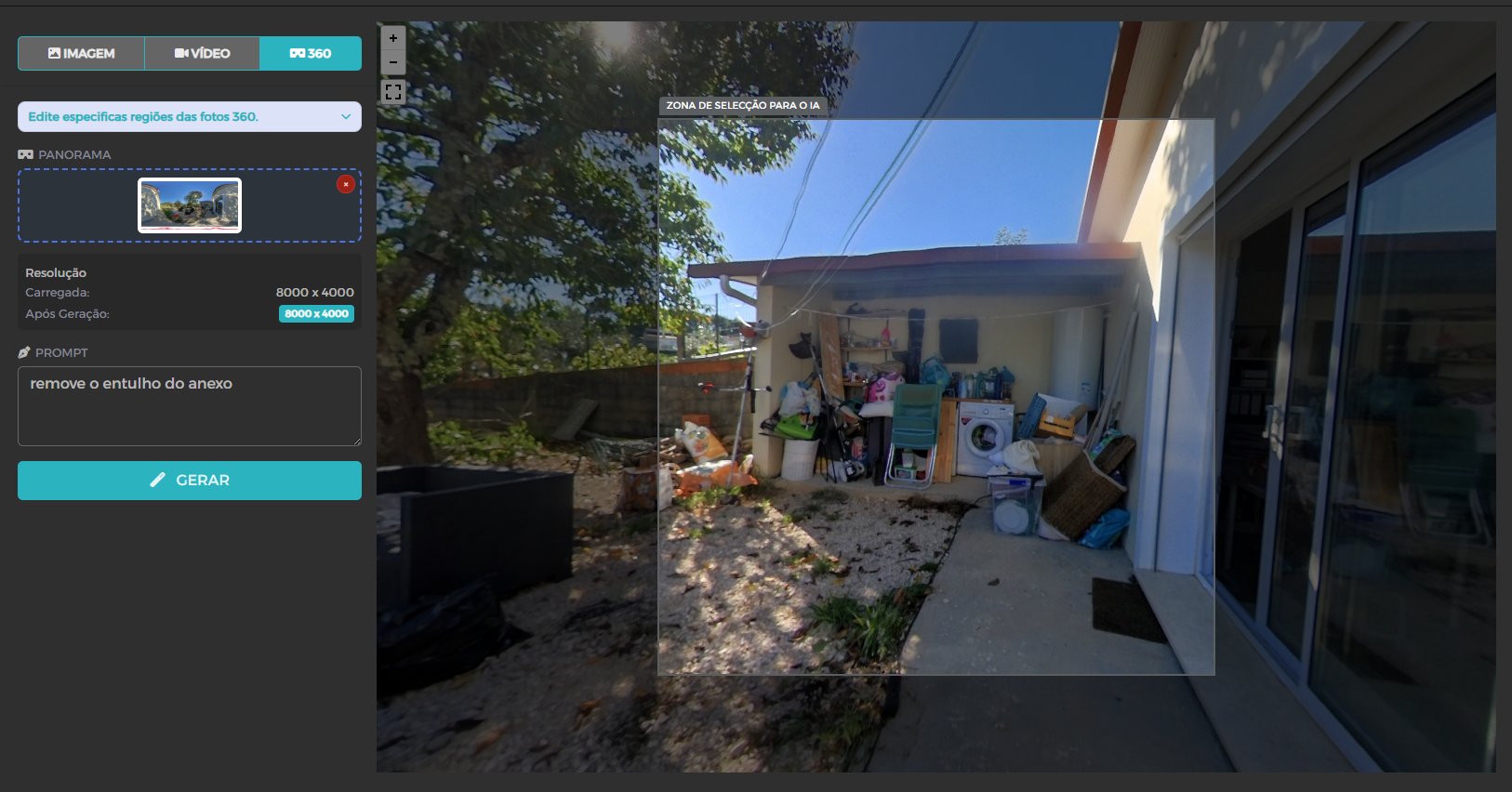
✔ Remove unwanted objects (frame, equipment, mess)
✔ Arrange or reorganize areas of the room
✔ Change what the window “sees” – e.g. exchange a grey sky for a beautiful blue sky
✔ adjust light/colors in specific zones
This is especially useful in virtual tours when it is necessary to correct imperfections or improve visual impact without redoing the original catch.
Prompt guide:
"Remove rubble from the annex."
Conclusion
Virtual Home 360's new AI tools become not only a competitive differential, but often a decisive factor to sell faster and with better margin. From the first image to the final video, everything is done to make your real estate marketing stronger, more professional and faster to produce.
⁇ Try AI tools now
⁇ Use the examples of prompts above to start with immediate results
⁇ Talk to us in case of doubts or difficulties