How to Download
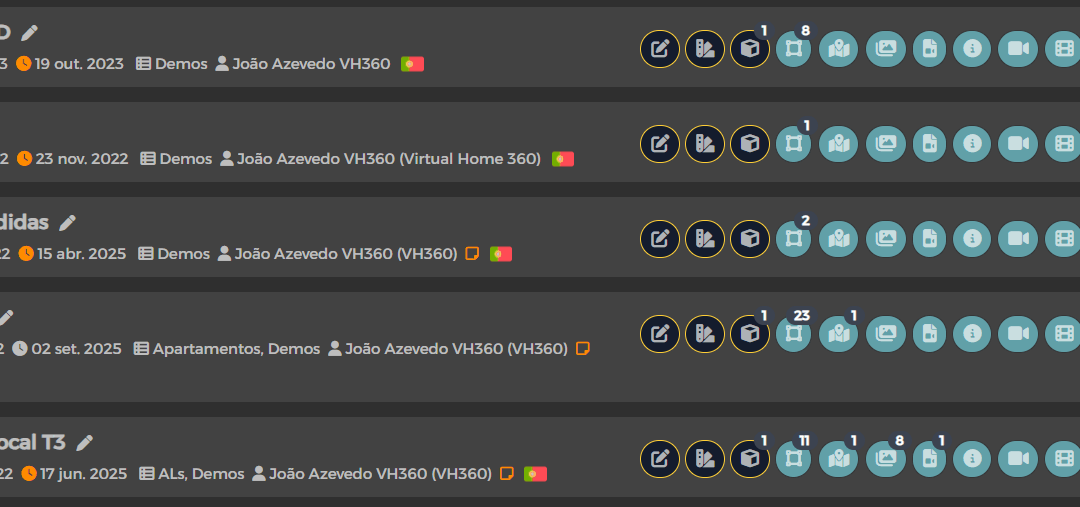
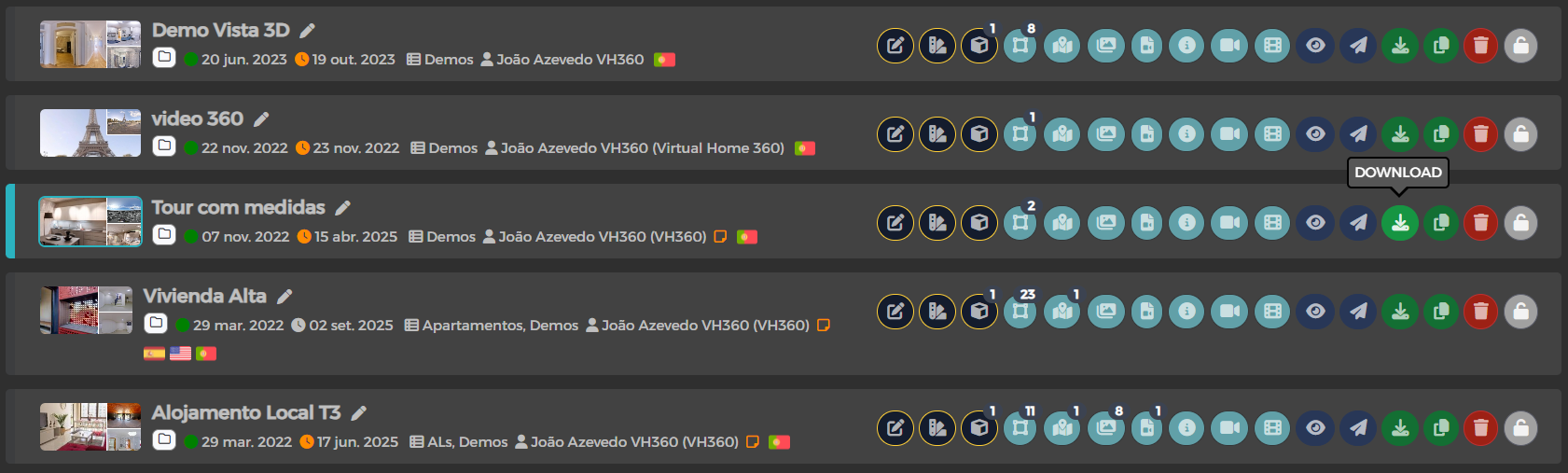
Na List of Tours Find the option to download. The download consists of a zip file that contains all the information needed to run the Tour outside of VH360. For better organization, we advise you to decompress the file to a folder with the Tour name.
Hosting in Own Server
To host a Tour on your server, you must upload it to a folder and access it through the URL of the domain of that hosting (example: www.o-my-site.com/pasta-do-tour).
Offline use
To use a Tour in offline mode, you will need Electron software. This will serve to run the Tour on a computer or even on a Pen. You can download the program from this link.
- Unzip the ZIP file to a folder (e.g. C:Electron);
- Copy the downloaded Tour ZIP content to the C:Electronresourcesapp folder;
- Run the Electron.exe file (located in the first folder) to launch Tour.
To have multiple Tours running in this way, an individual instance of Electron per Tour is required.