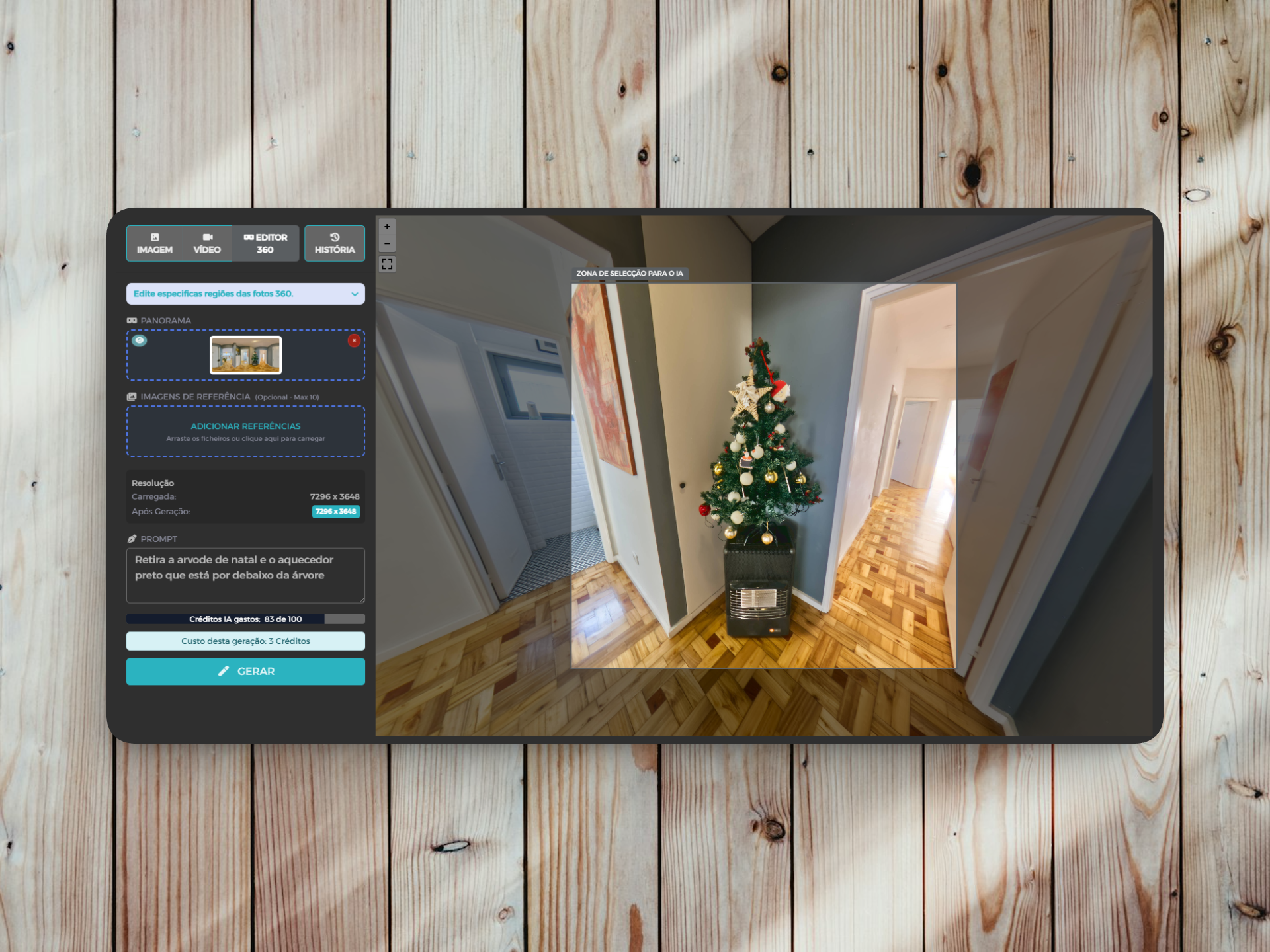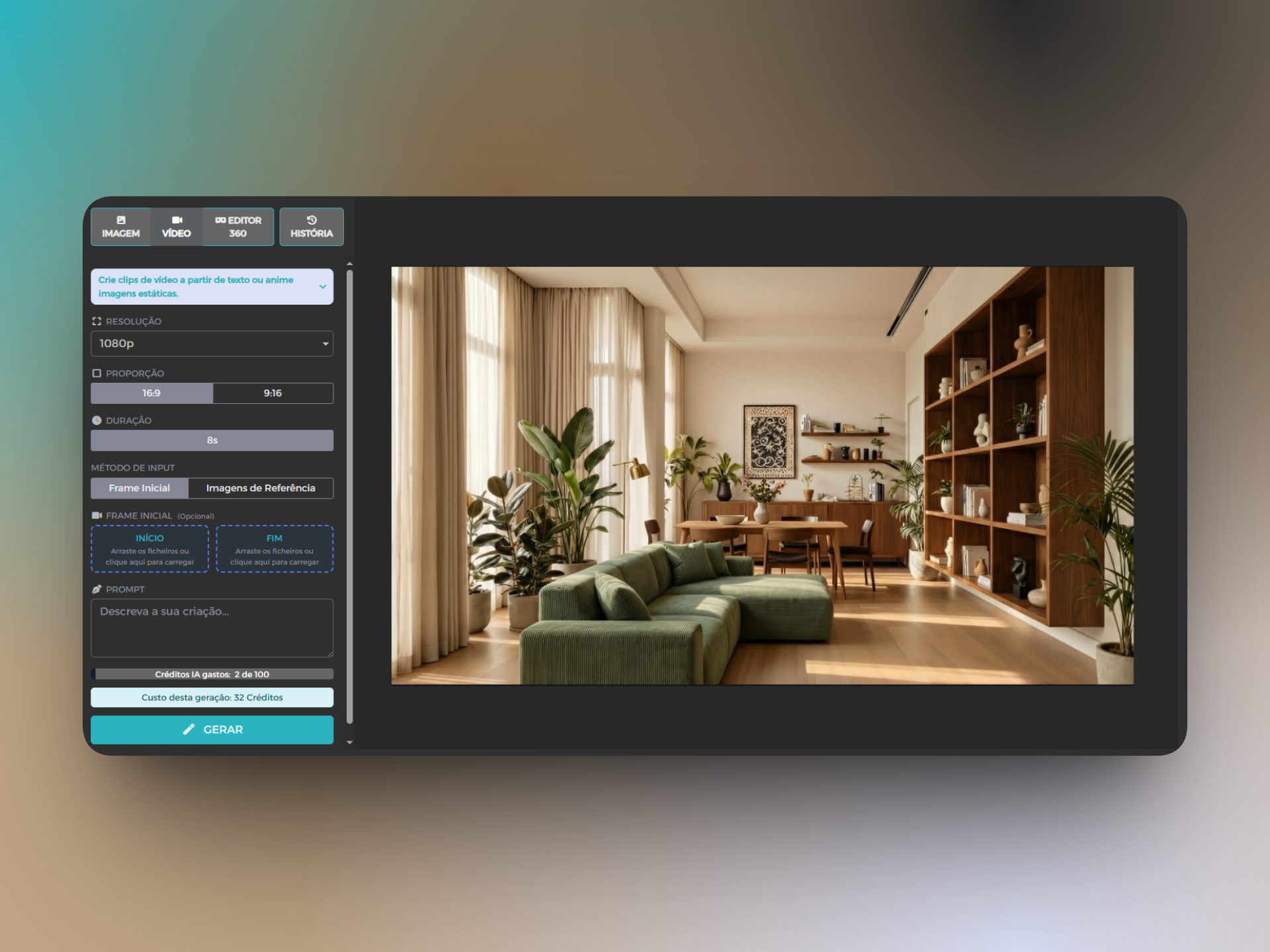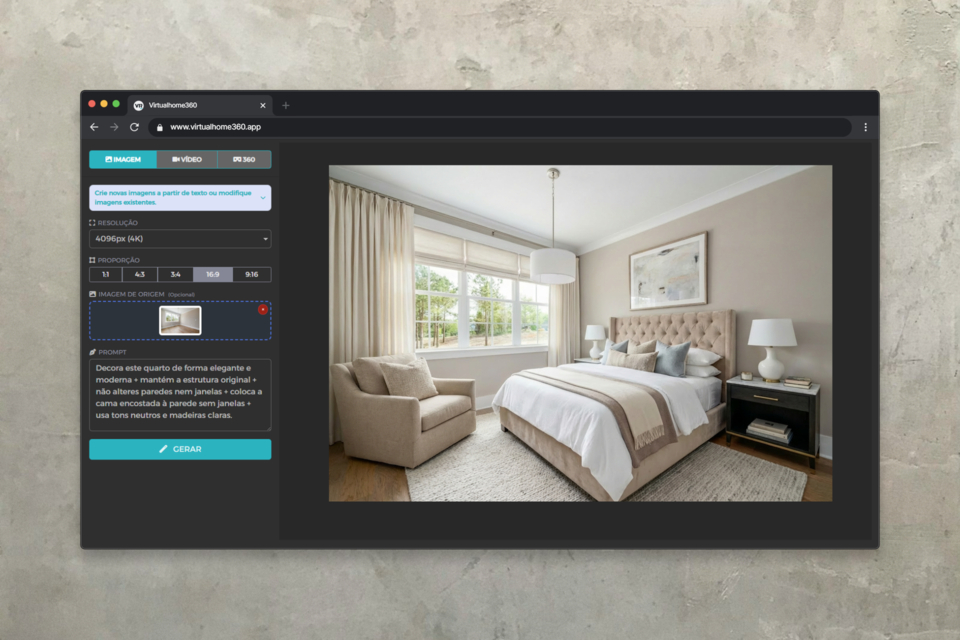
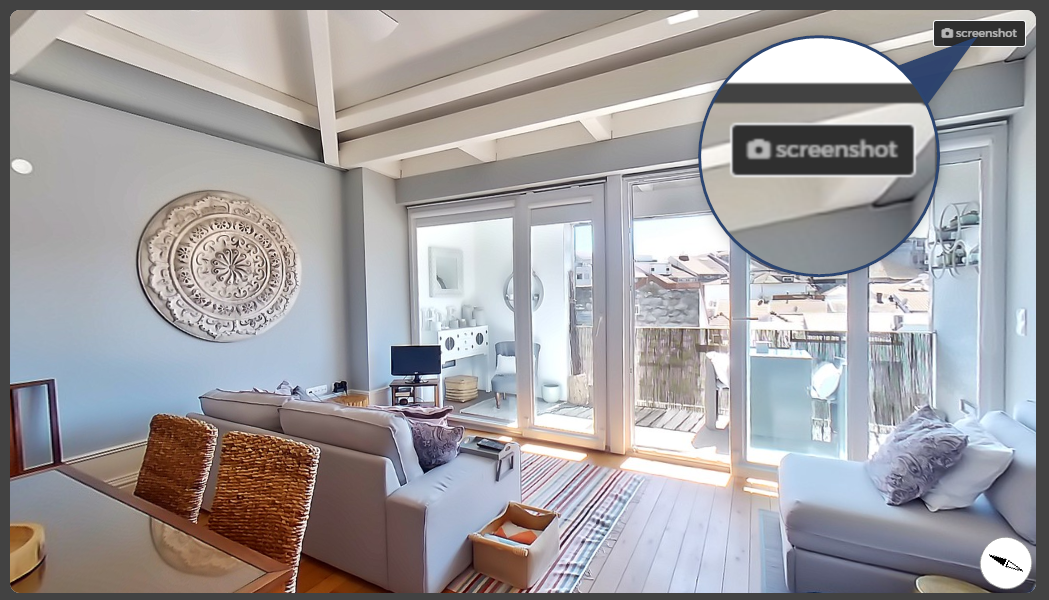
In the menu of Panorama Edition, the button screenshot, available in the viewer, allows you to obtain normal/flat photos from the photo 360 that is being edited.
Note that the box Screenshot only appears in the tab View.
Just do the framing you want in photo 360 and press the button indicated.
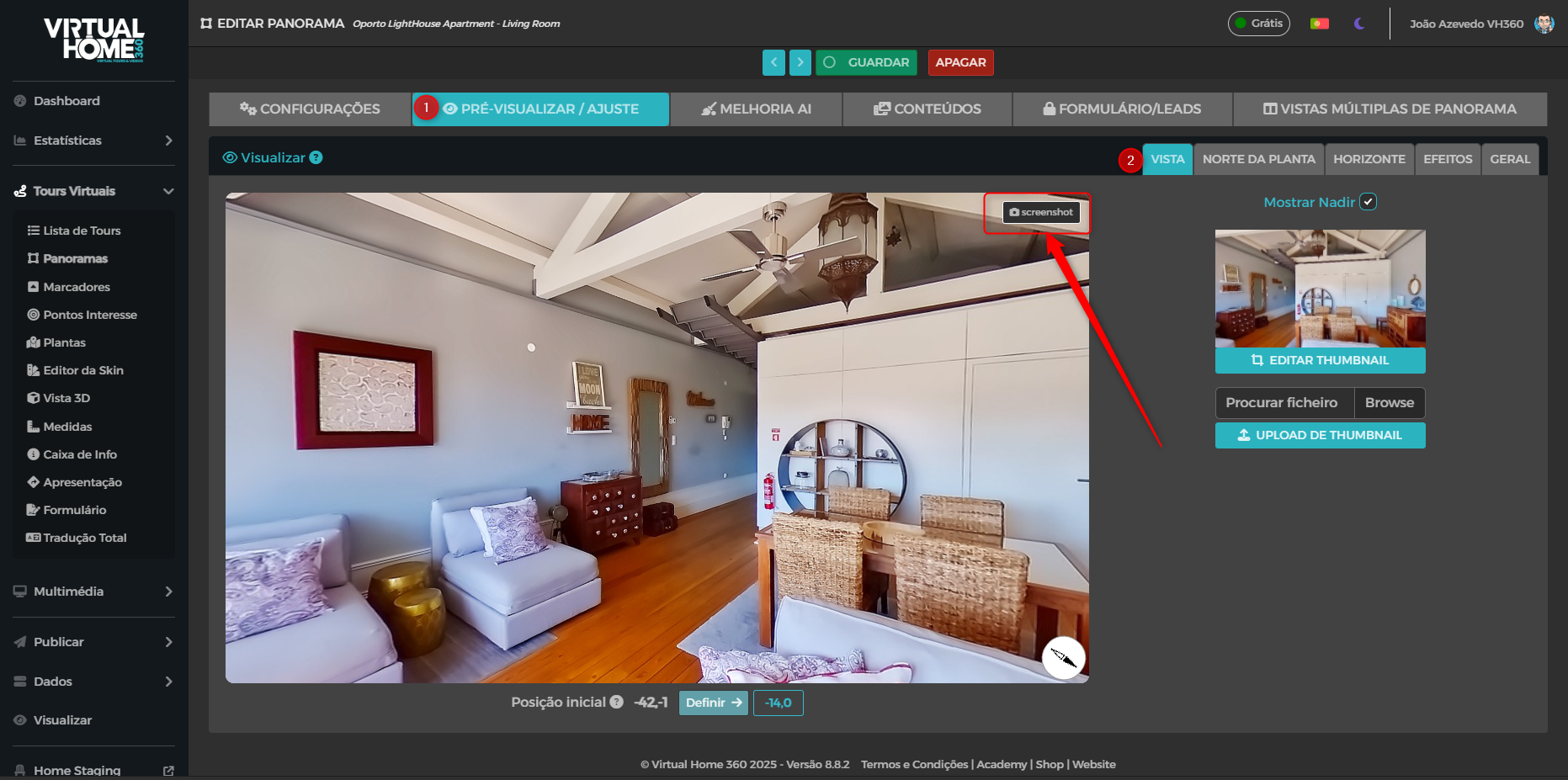
By pressing the button, the viewer will fill the screen and then return to the previous shape while downloading the photo you just extracted from the panorama.