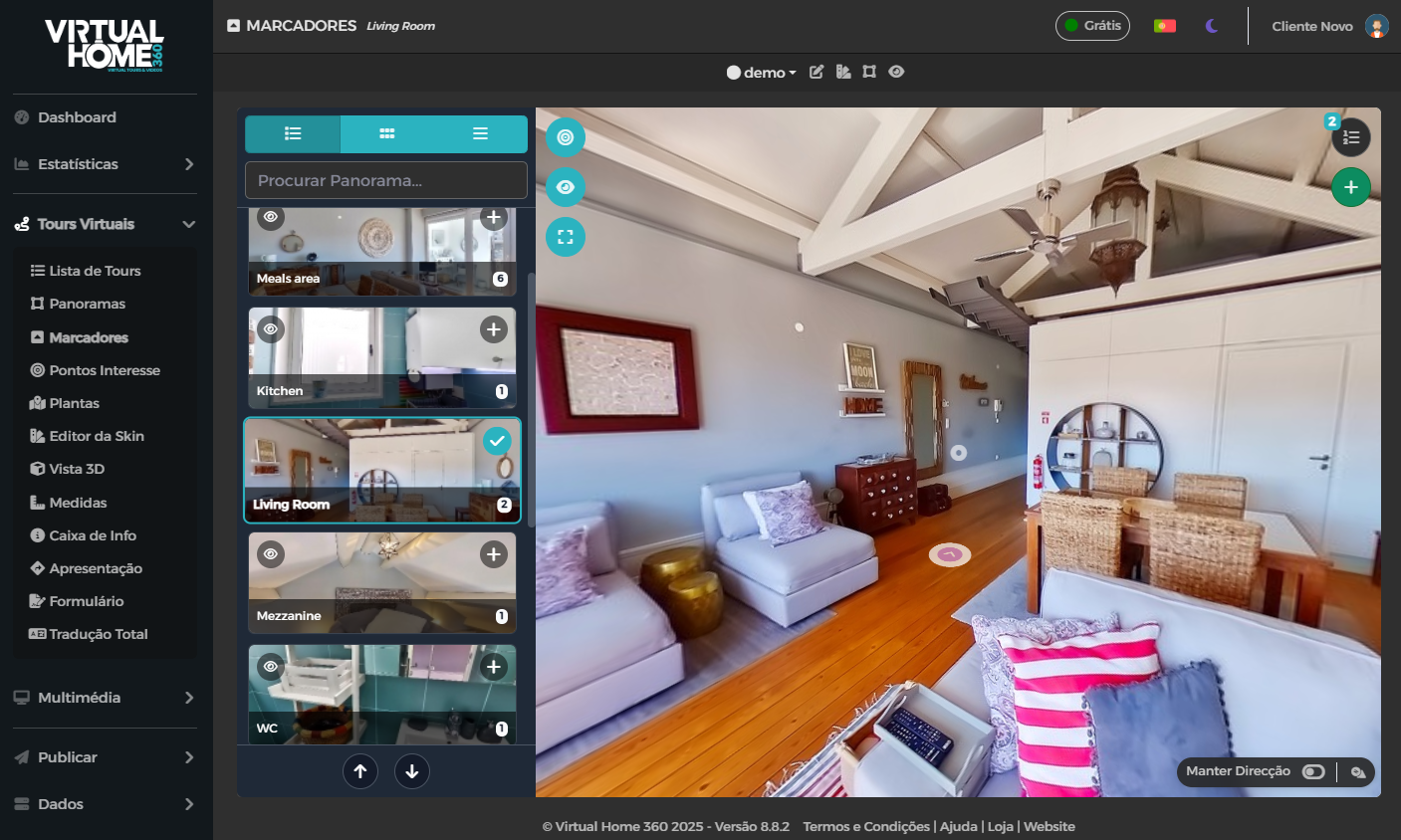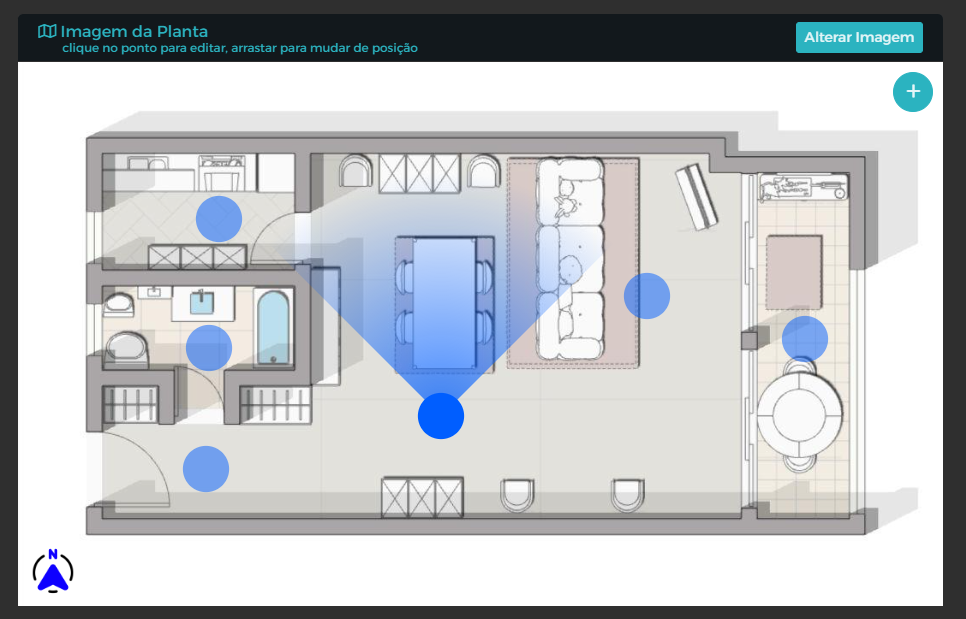
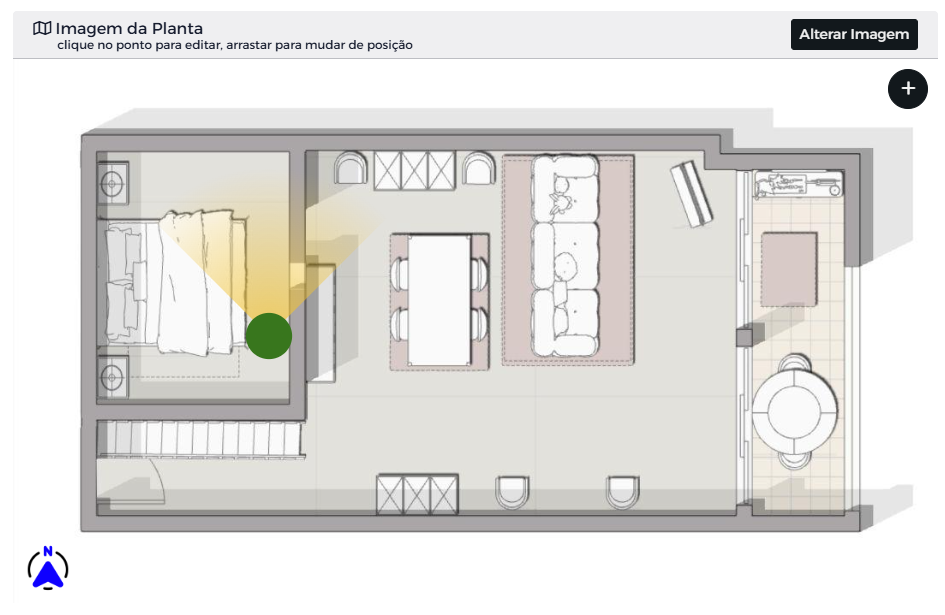
It is possible to include several plans in order to section (by floors, zones, etc.) the navigation in the Virtual Tour.
The process is as follows:
- In the side menu you will find the option Plants and there you can upload one or more image files with the Tour plan(s);
- When the upload is finished, it will automatically move to the list of plants;
- Click on the option Edit of the plan you want to edit.
- Click on the + symbol to add a point on the plan that will represent the respective panorama;
- Drag that point to the appropriate position;
- Repeat the process for the various panoramas present in the plants.