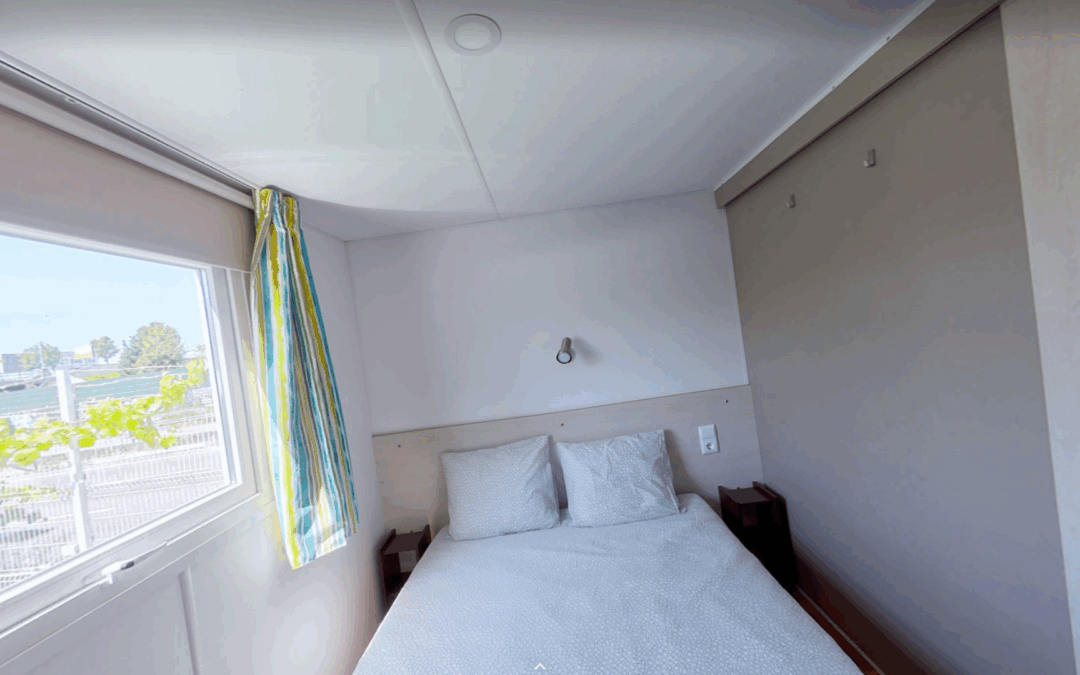
In 360o photos it is essential to have the horizon leveled.
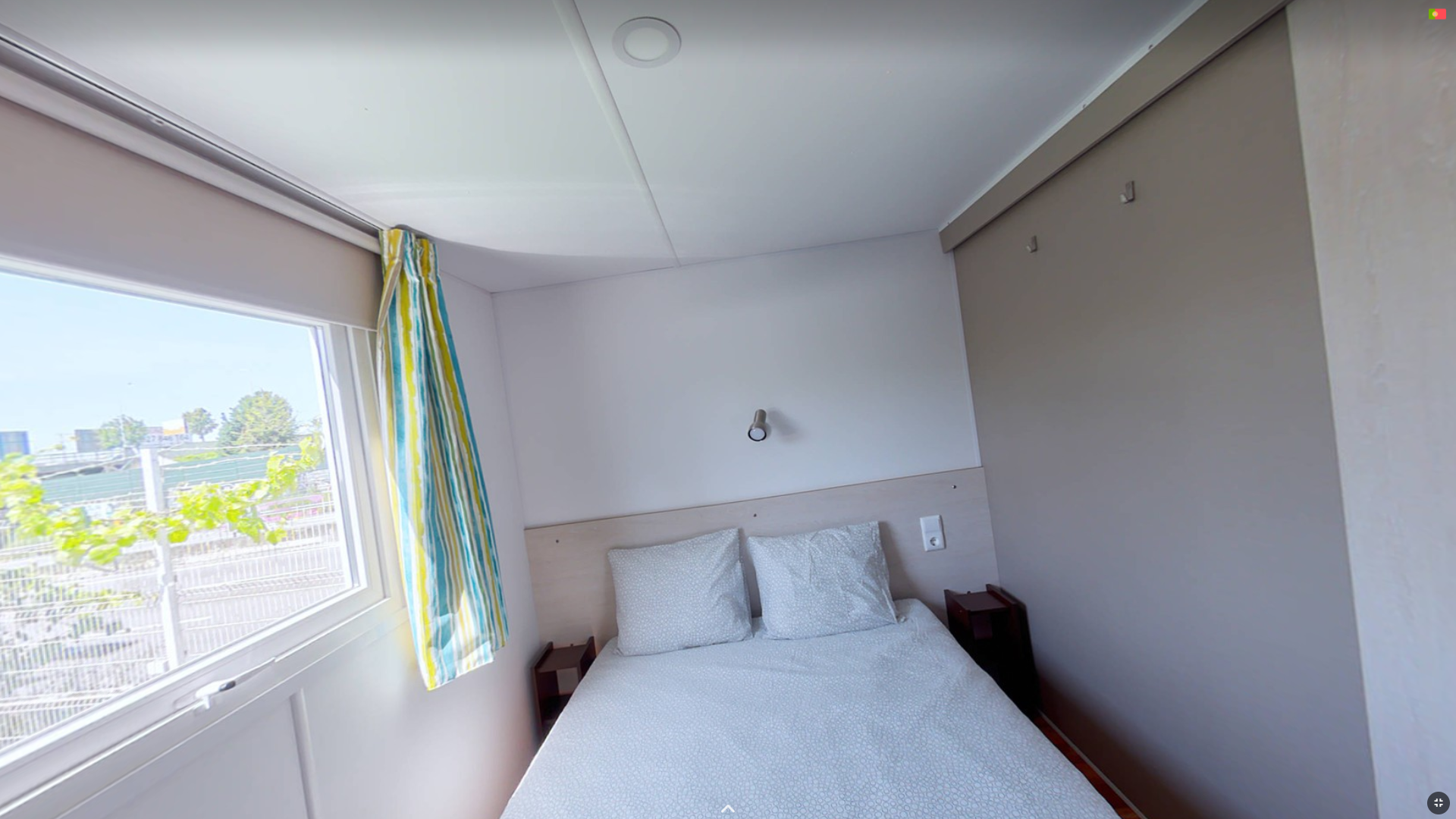
Many 360° machines already have an internal gyroscope that solves this problem at the time of capture. However, there may be situations such as in the image that gives the feeling that the house is falling.
To solve this problem we go to the panorama editing menu, and on the tab Preview/Adjust, We are looking for the second tab. horizon.
Here we find the adjustments we need, the Horizontal Pitch and Roll.
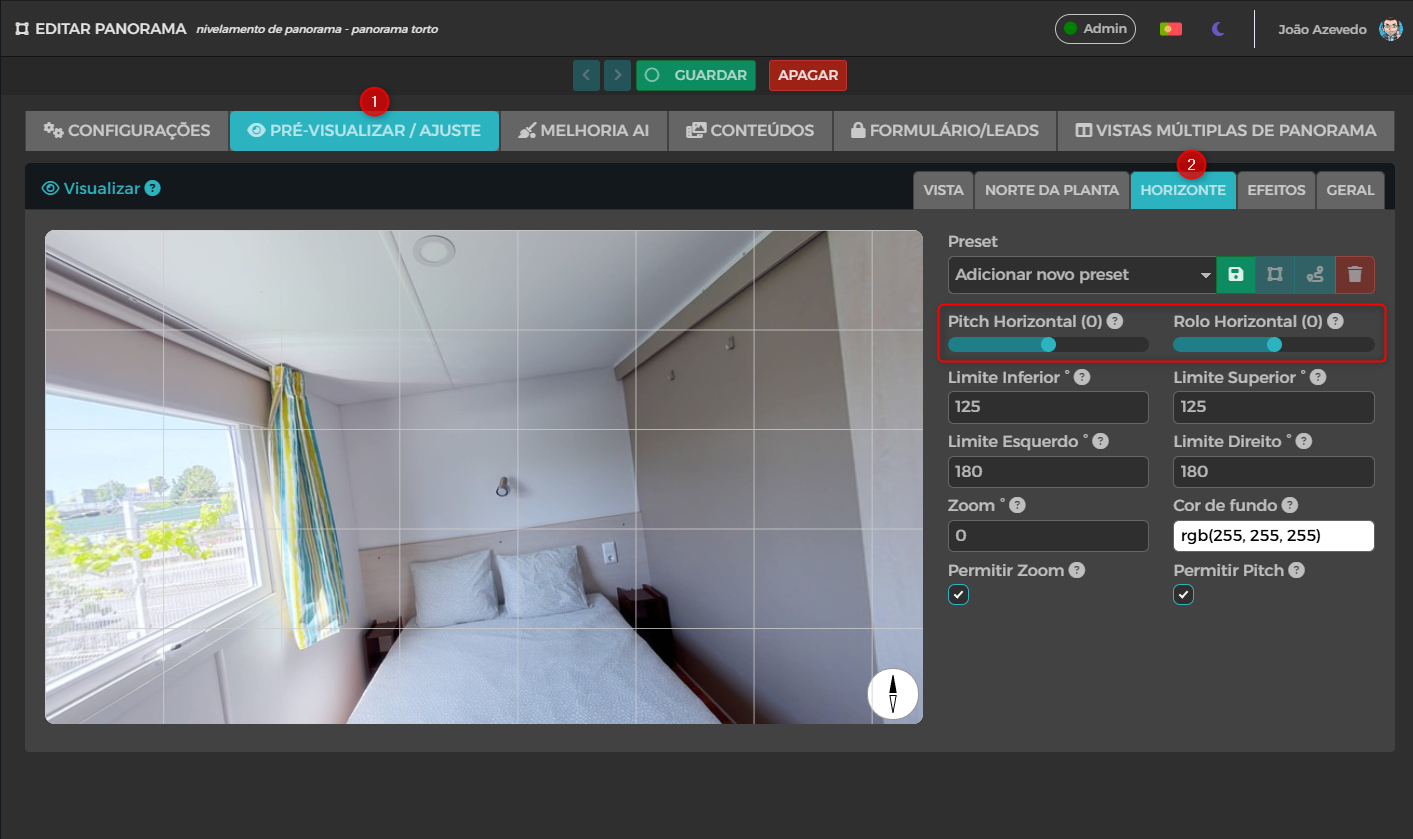
A help grid will appear automatically and prove that there is indeed a gap in the photo. Adjust the slider Horizontal Roller until the vertical and horizontal lines of the image are aligned with the grid lines.
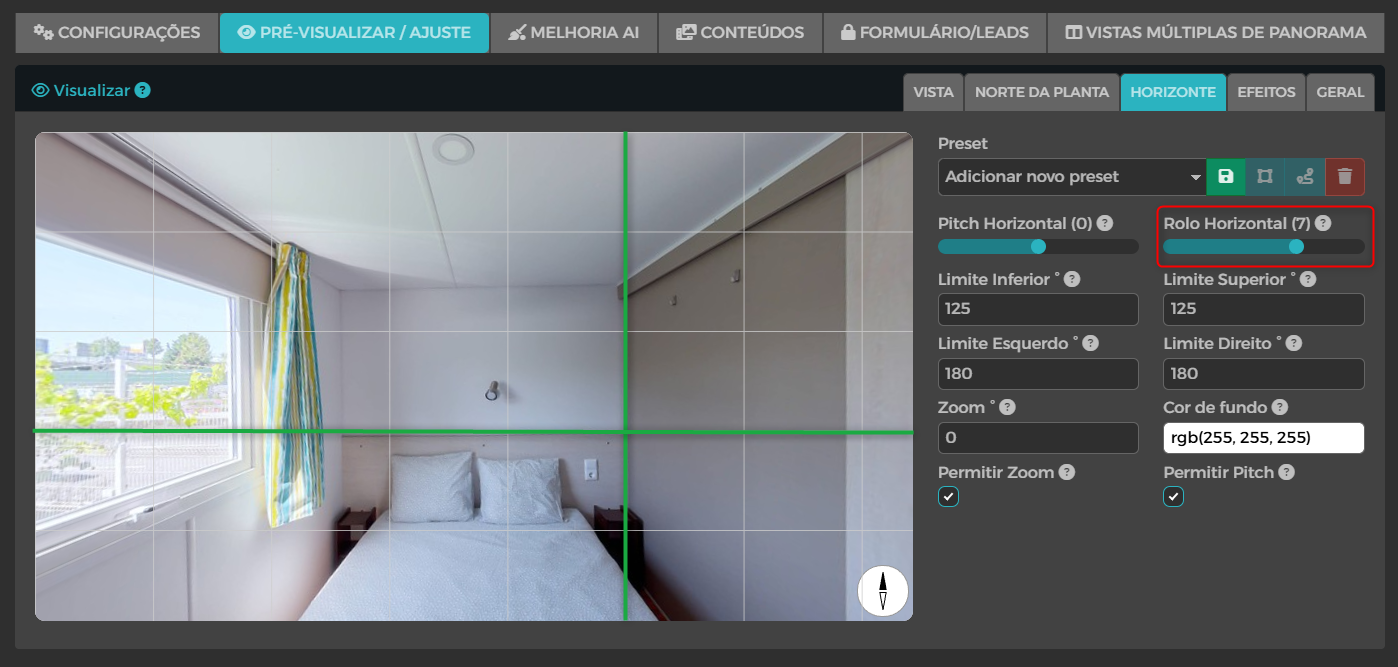
With this adjustment it is possible to verify that the photo is no longer uneven.
An additional tip is to disable the Allow Pitch to move the photo only on its horizontal axis and thus check that all angles are level. Then you can activate the function again.
Don't forget to Save modifications so that they are active on the Tour.
Shortcuts with keys
Shortcut keys have been included to speed up this editing process.
The letter "P" turns off and turns on "Allow Pitch".
The letters "U" and "I" change the value of the Horizontal Pitch.
The letters "J" and "K" change the value of the Horizontal Roller.