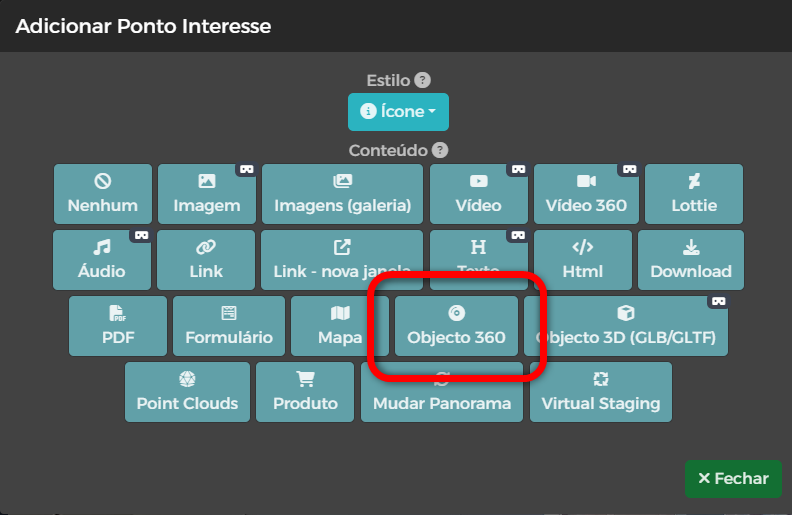
This POI allows you to apply a photographic technique that consists of taking a series of photographs around an object, so that using it can control the rotation of its visualization.
While in a 360 photo we see what is around the center point, in a 360 object view we have several photos that were taken on the perimeter of an object.
To achieve this effect it is advisable to take (at least) 8 photographs around the object in order to get the result of the example below.
A greater number of photographs makes the effect more fluid.

Once the photographs of the object are taken:
- Create a POI of Subject 360;
- Upload the photos at Images of Object 360;
- Sort the photographs (if necessary) so that the sequence is clockwise.